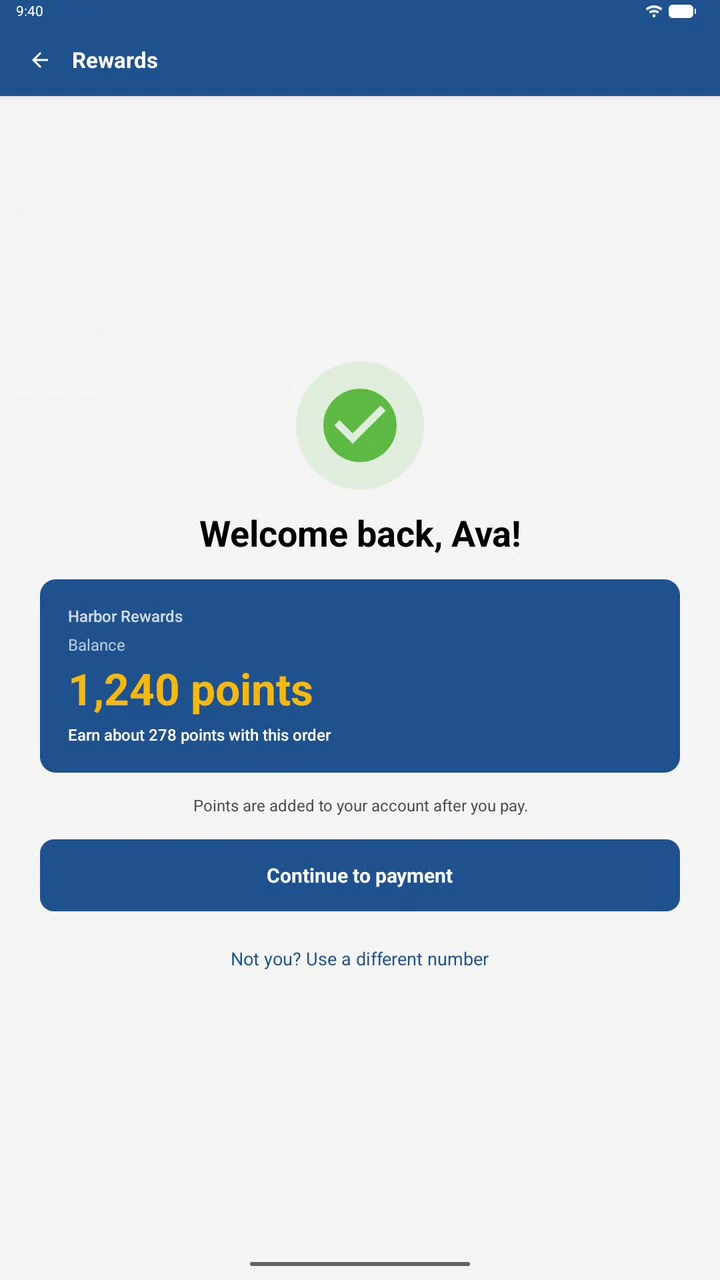
Earn. Reward. Repeat.
Add registers and devices as you grow
Additional Device
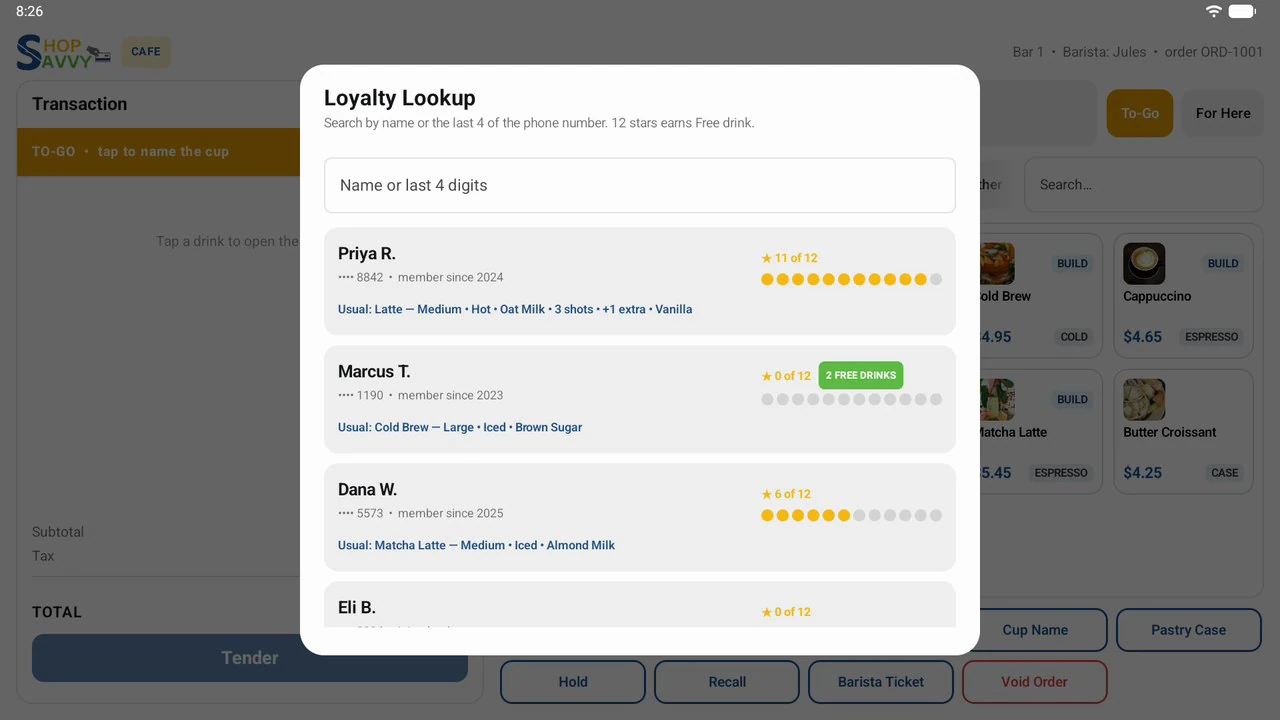
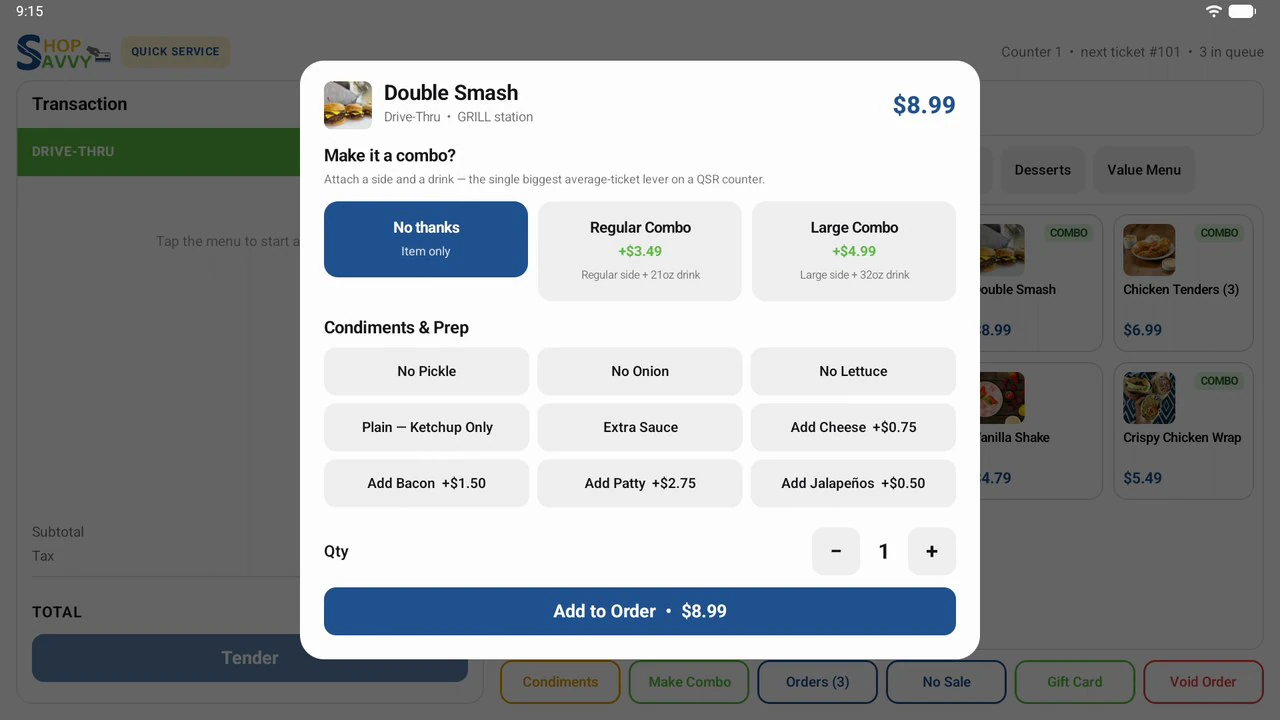
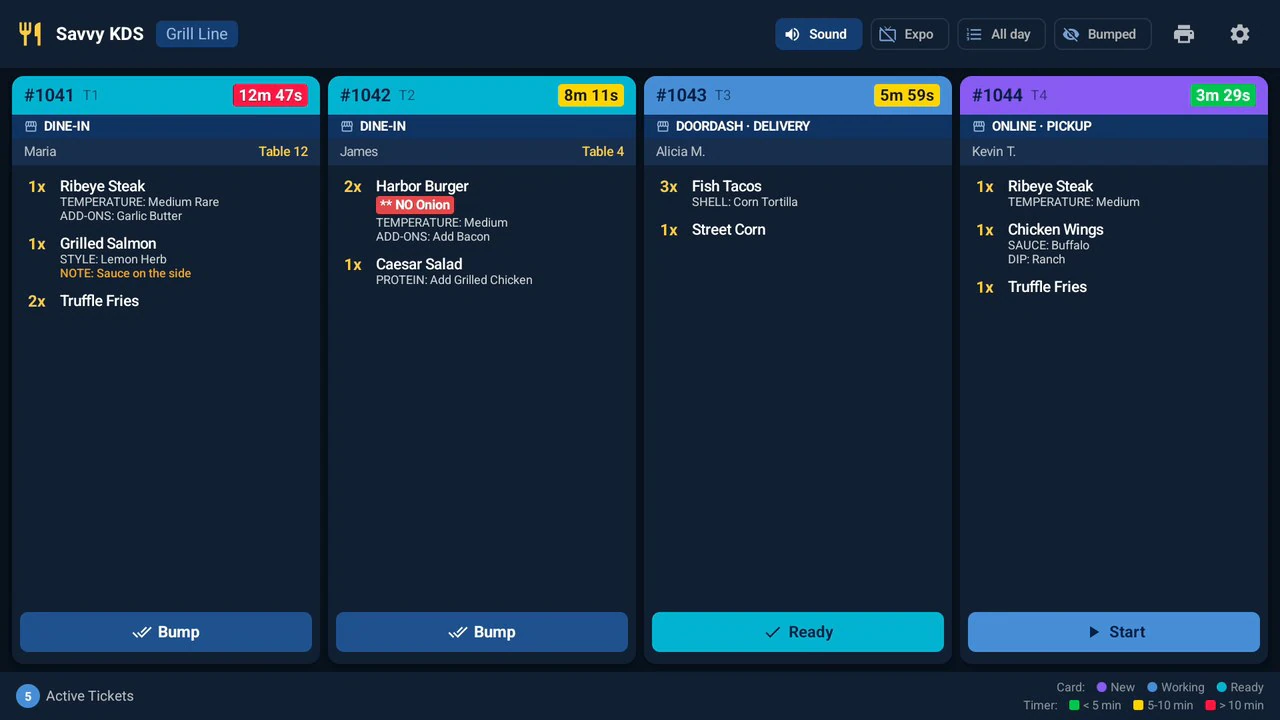
Add registers, handhelds, kiosks and self-checkout lanes as you grow; kitchen screens and printers are not charged.
The problem
Busy stores need another register or a handheld for the line without changing plans.
What it does
Additional Device, built into your system.
One device included
Each location includes one device; each billable device after the first at a location is added to your bill.
What counts
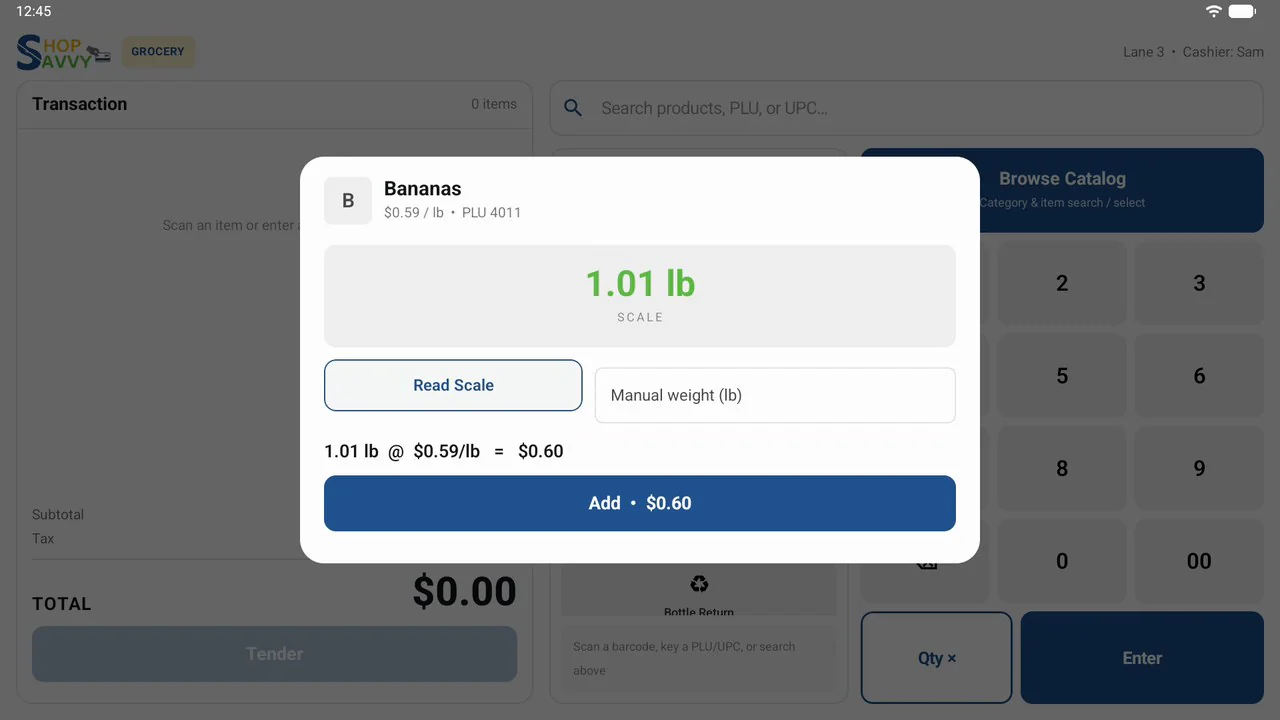
Tablets, handhelds, self-checkout lanes and kiosks count.
What does not
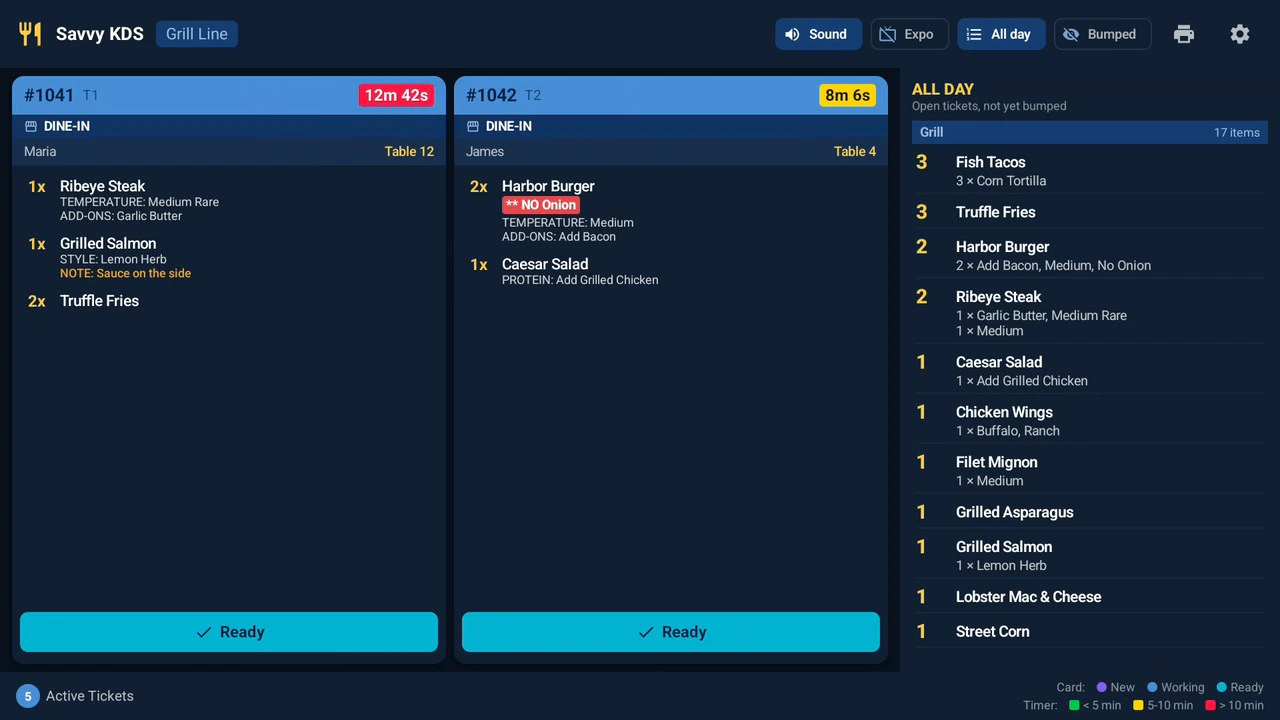
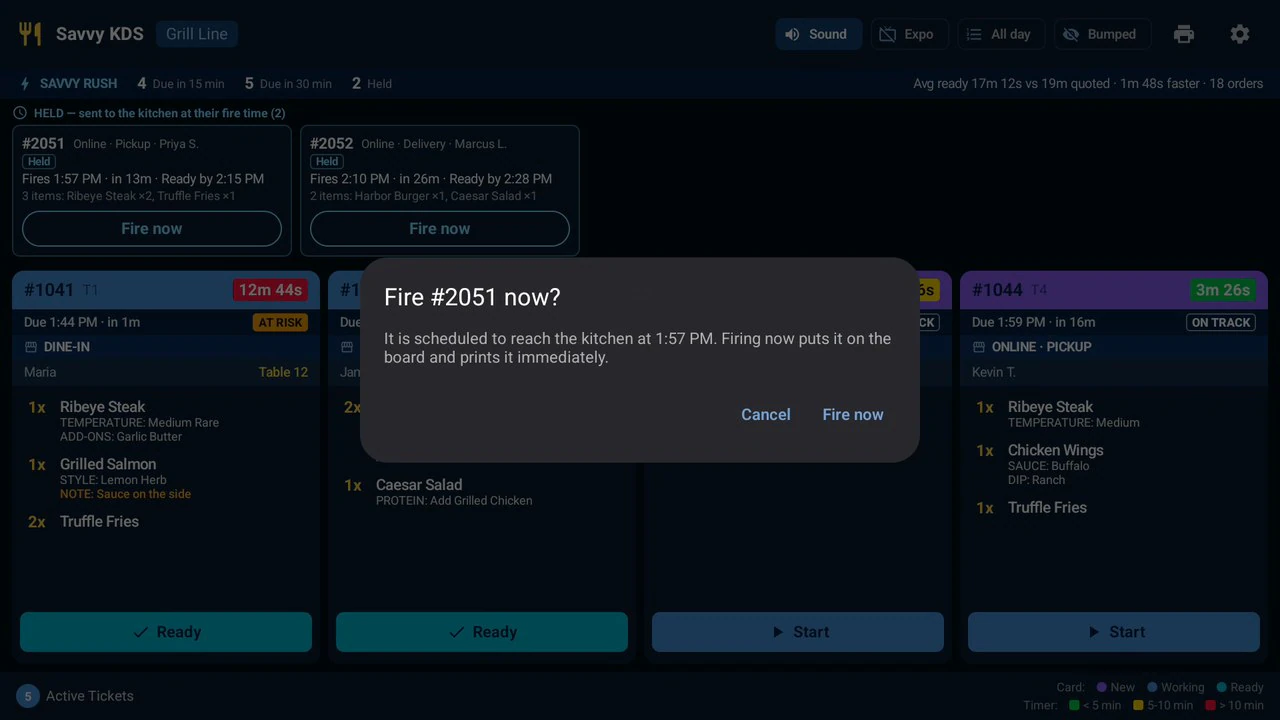
Kitchen displays, customer displays, printers and scanners are not billable.
Kept in step
The count is maintained by the platform rather than toggled by hand.
How it works
Three steps.
1
Activate the new device on your account.
2
It is added to your bill.
3
Retire a device and the count drops.
Questions
Before you turn it on.
Do kitchen screens count?
No. Kitchen displays, customer displays, printers and scanners are not billed.
Is there a device limit?
Plans set a maximum number of devices.
Goes well with
Get more from Additional Device.
Savvy POSKiosk and self-checkoutAdd a self-order kiosk or a self-checkout lane and let guests serve themselves.See Kiosk and self-checkout Savvy POSKitchen display (KDS)Kitchen screens are not billable devices, so routing tickets to every station adds no device to the count.See Kitchen display (KDS) Add-onHardware LeaseSpread the cost of new terminals, kiosks and displays over monthly payments.See Hardware Lease
Earn. Reward. Repeat.
See it run your business.
A Swipe Savvy specialist walks you through it on your own menu, schedule or memberships.