Earn. Reward. Repeat.
Self-order kiosk and self-checkout on the same POS
Let customers order at a kiosk or scan and pay at a self-checkout lane, and join rewards on the way.
The problem
Lines grow at peak times and staff cannot be at every till.
What it does
Kiosk and self-checkout, part of Savvy POS.
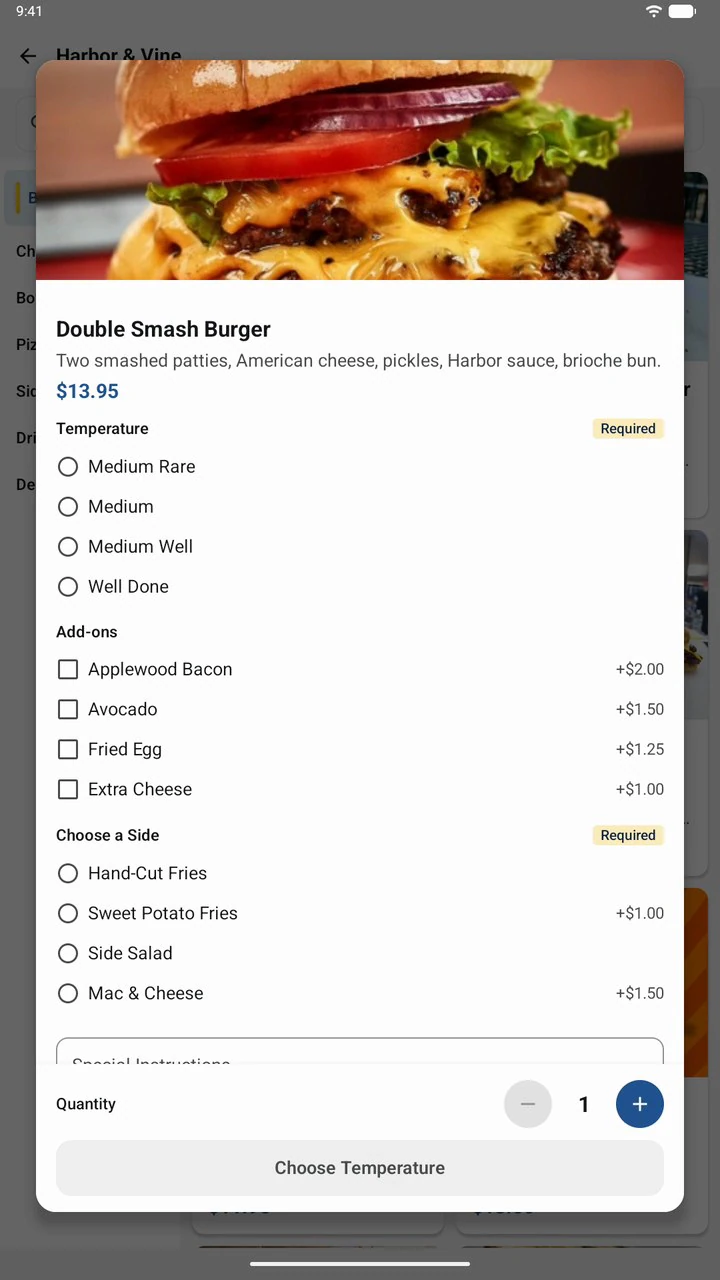
Self-order kiosk
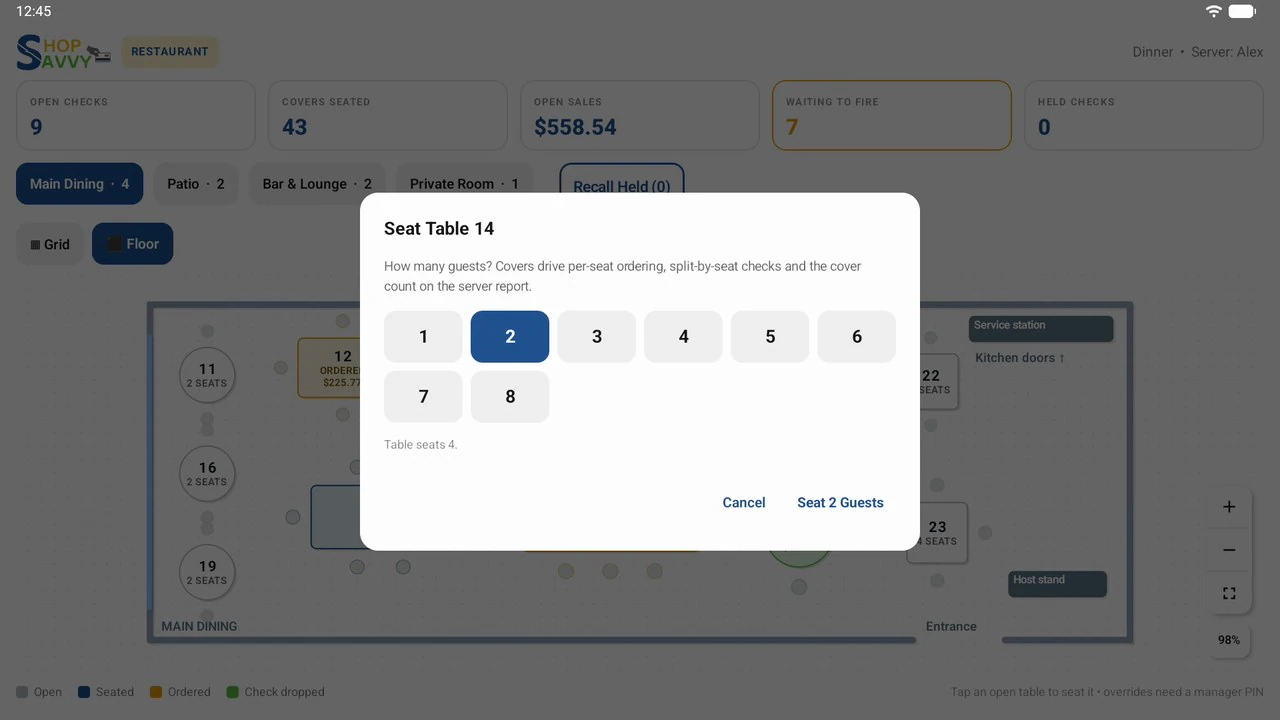
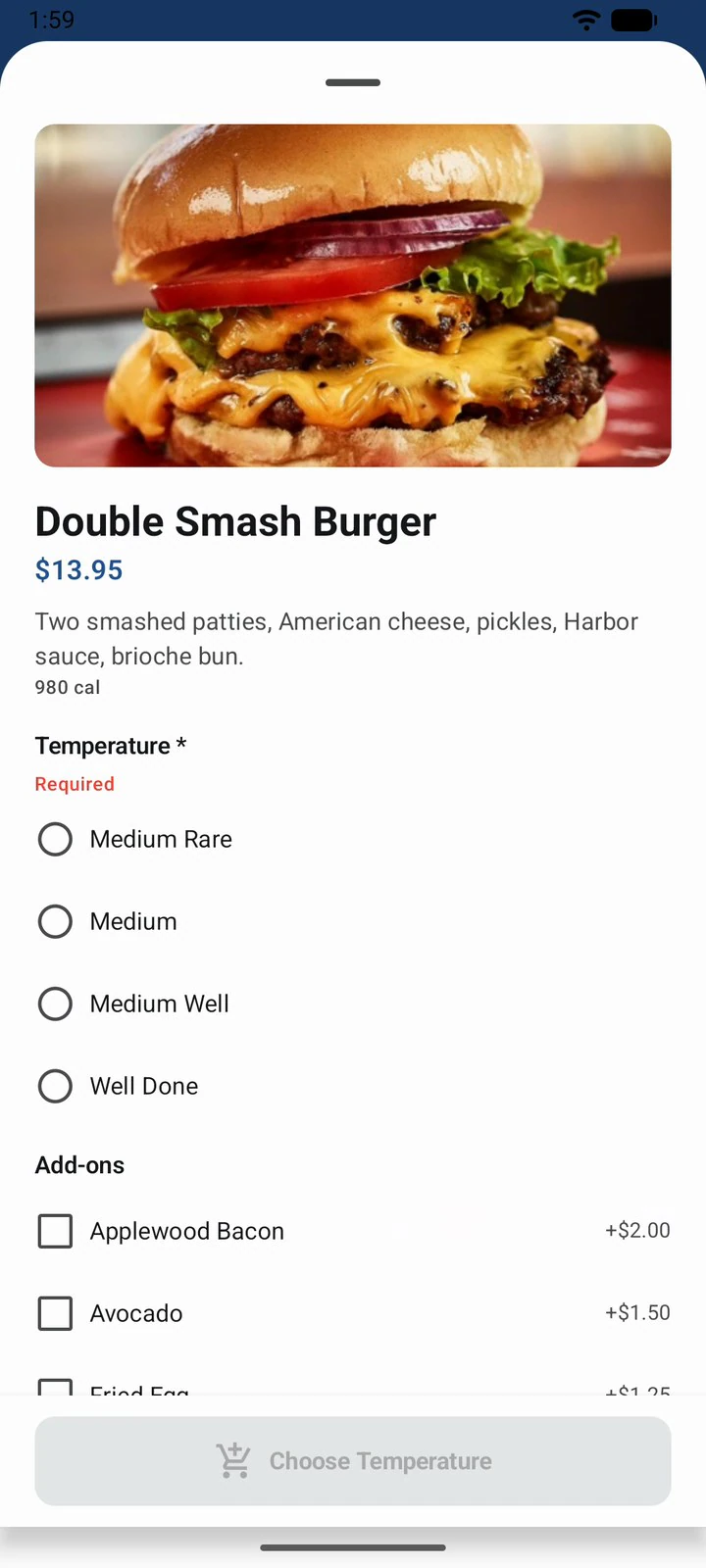
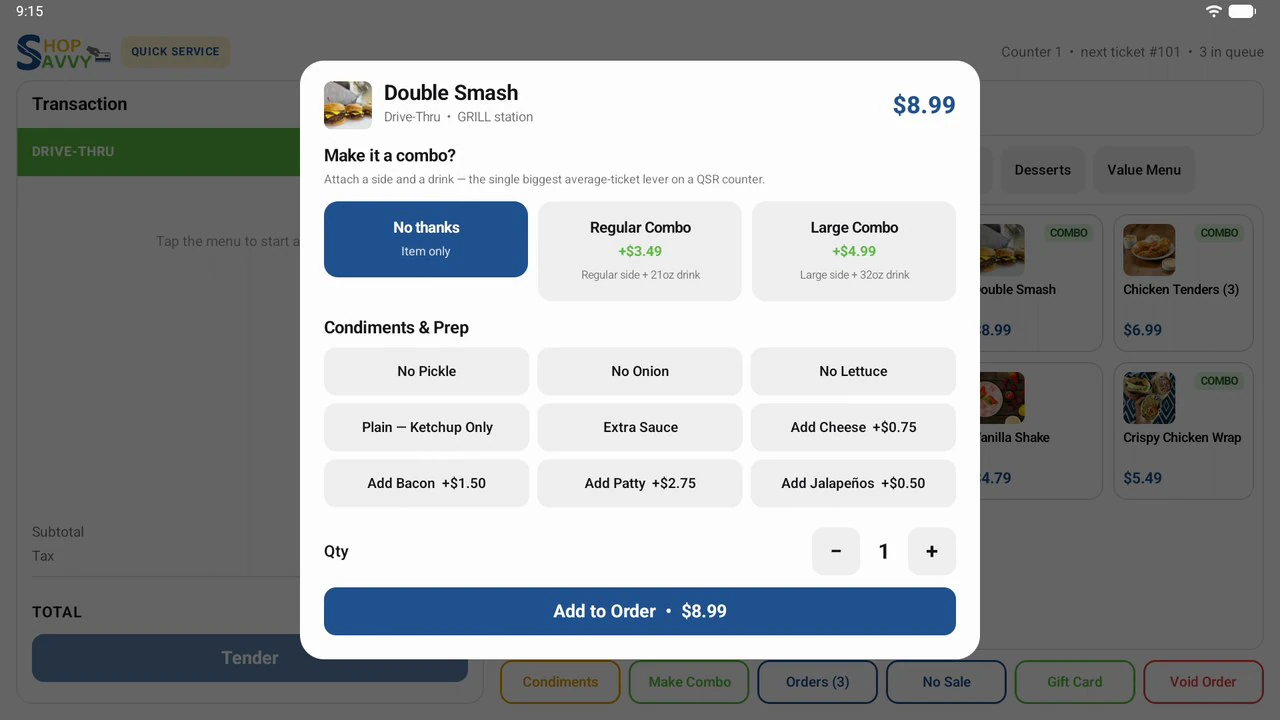
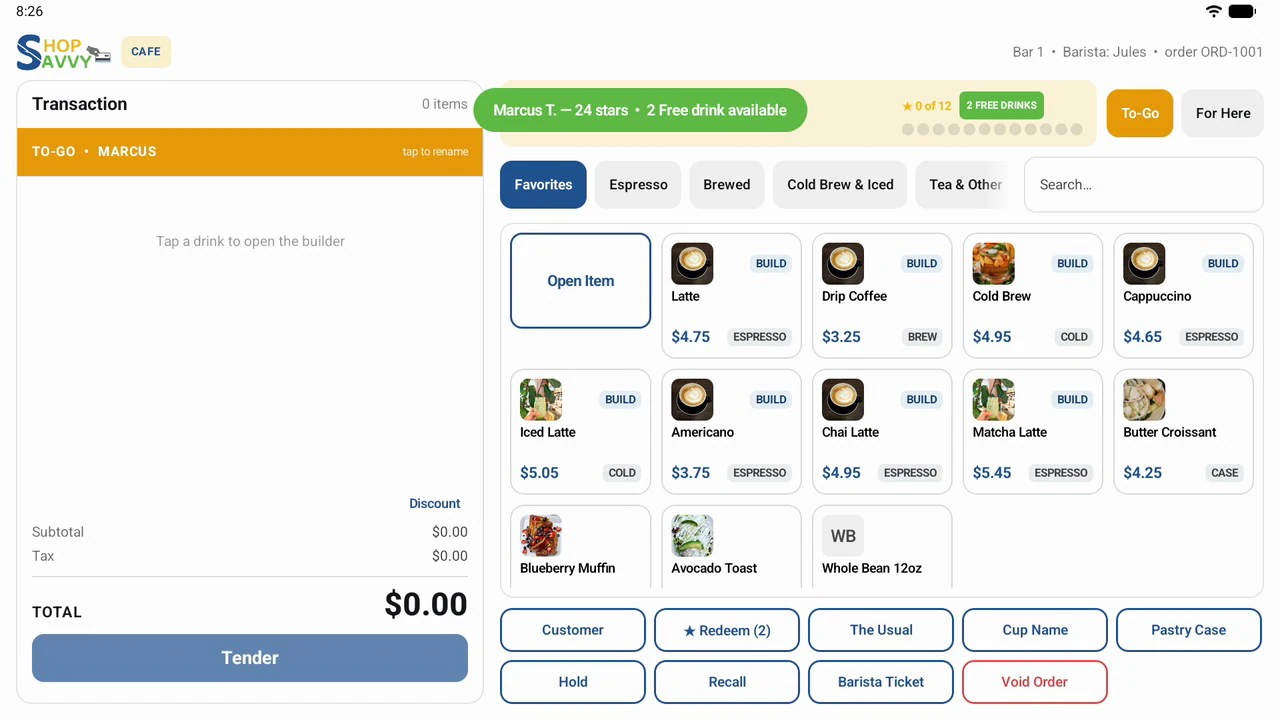
Customers browse the menu, build their order and pay by card on the kiosk, or choose to pay at the counter.
Self-checkout lane
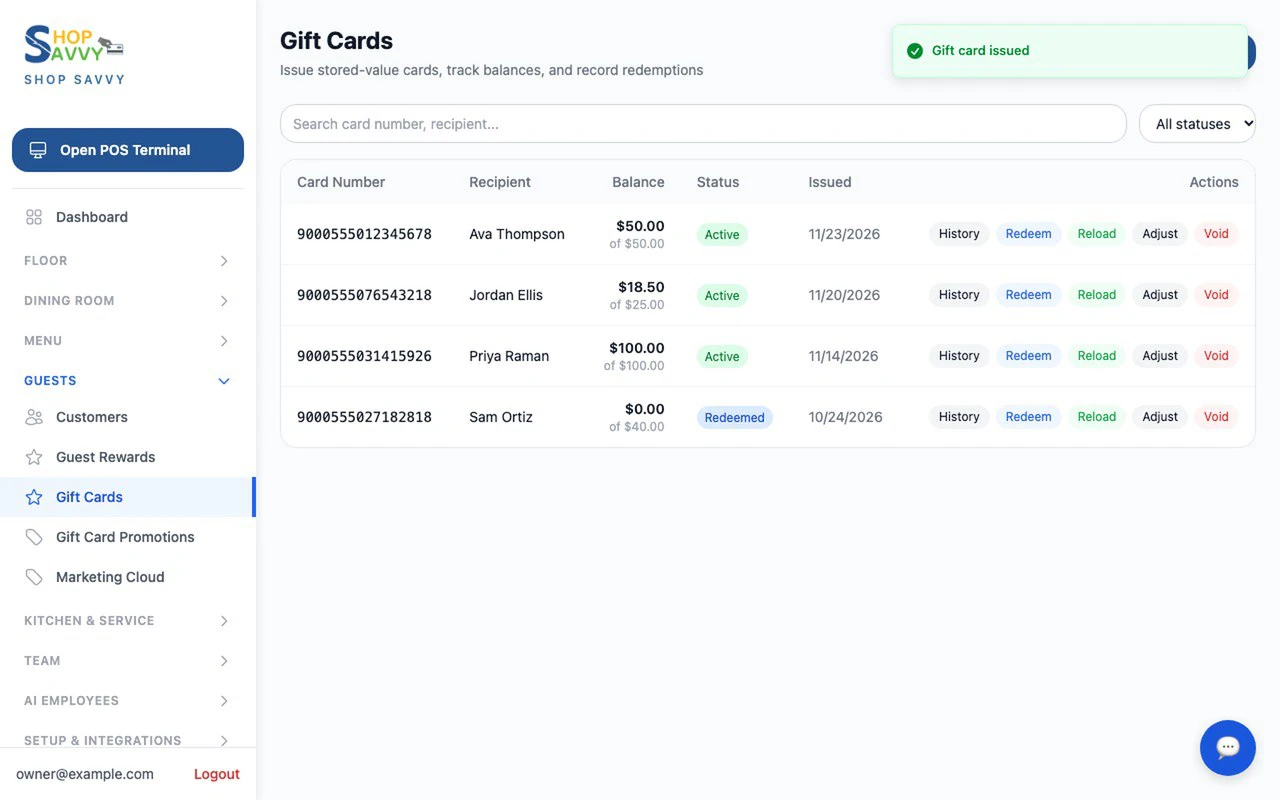
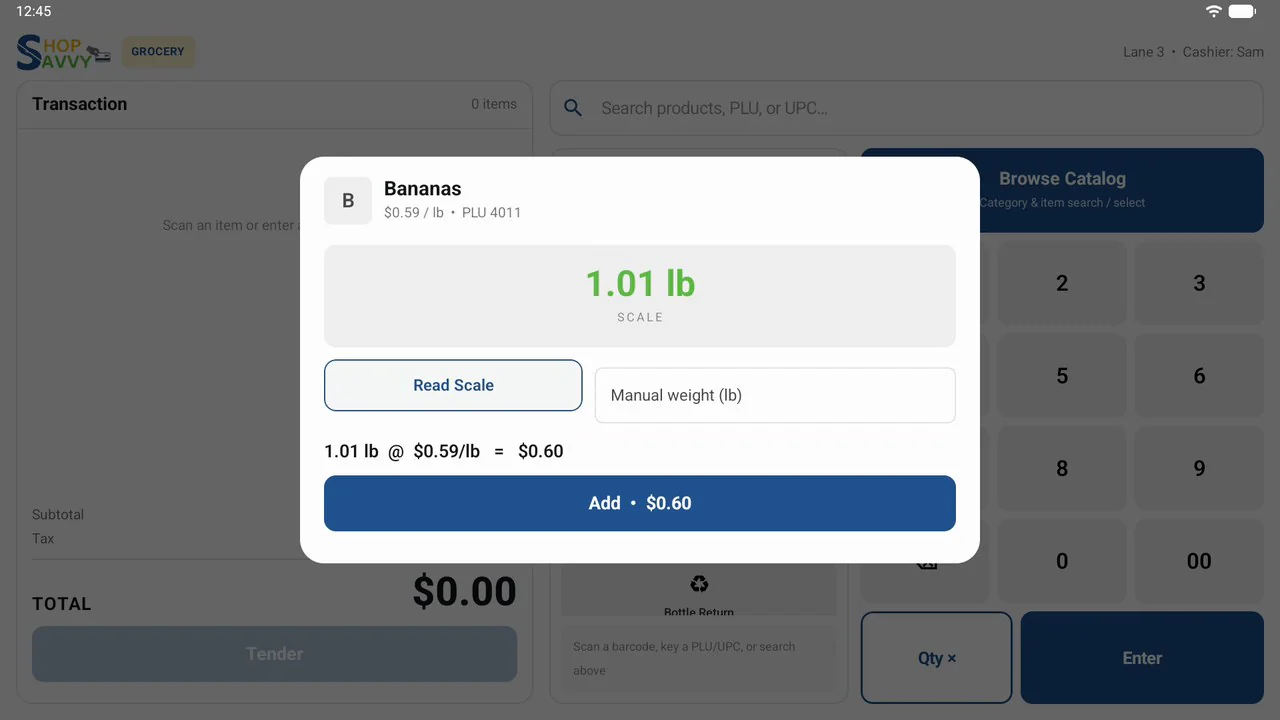
Shoppers scan items, pay, and get a receipt, with gift cards accepted.
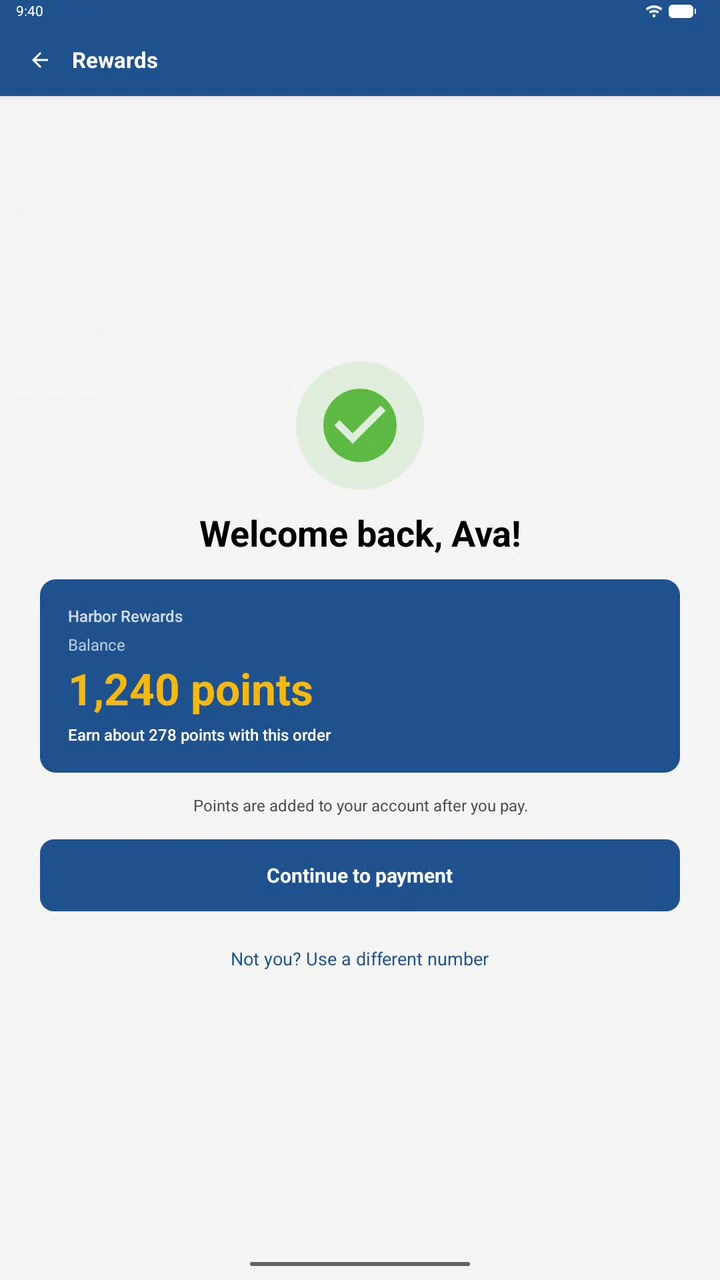
Rewards before payment
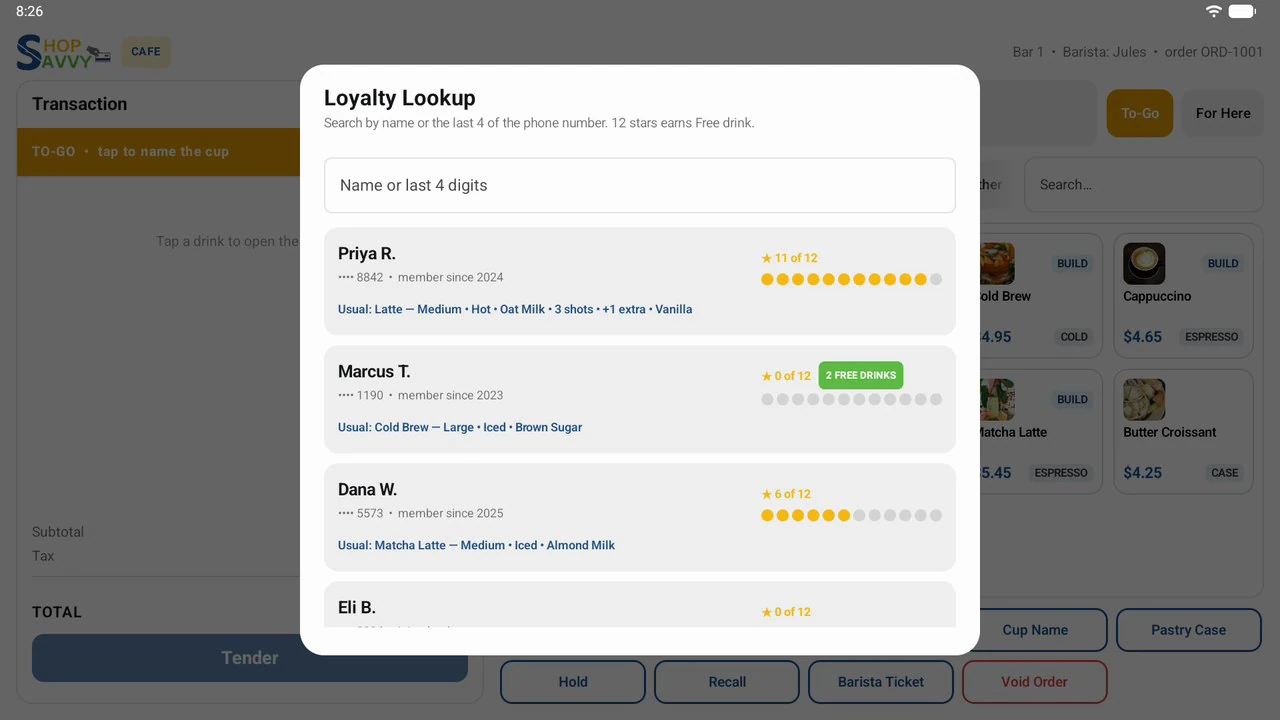
An optional 'Earn points?' step puts the member on the order before they pay.
Help that staff can see
Request Help turns the lane screen into a flashing signal with a lane code staff can read across the floor.
Resets when idle
An idle kiosk returns to the welcome screen and clears the last customer's details.
How it works
Three steps.
Activate the kiosk or lane on your account.
Choose card on the device or pay at the counter.
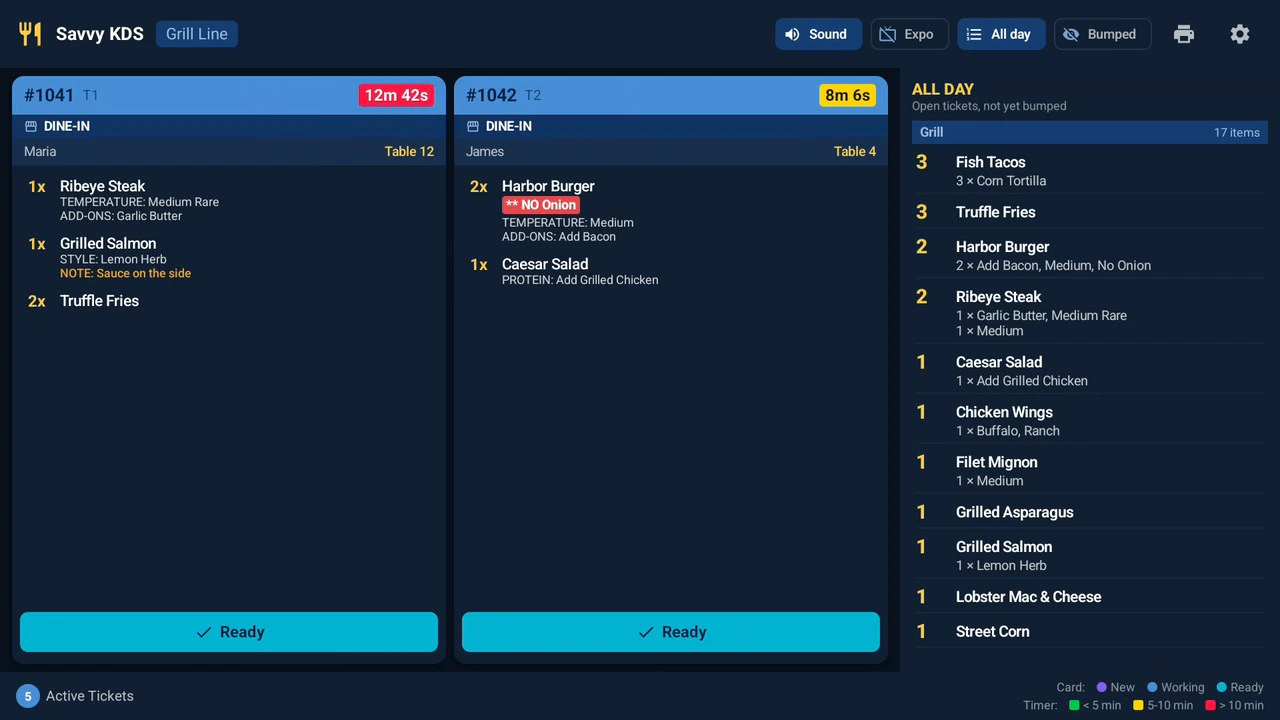
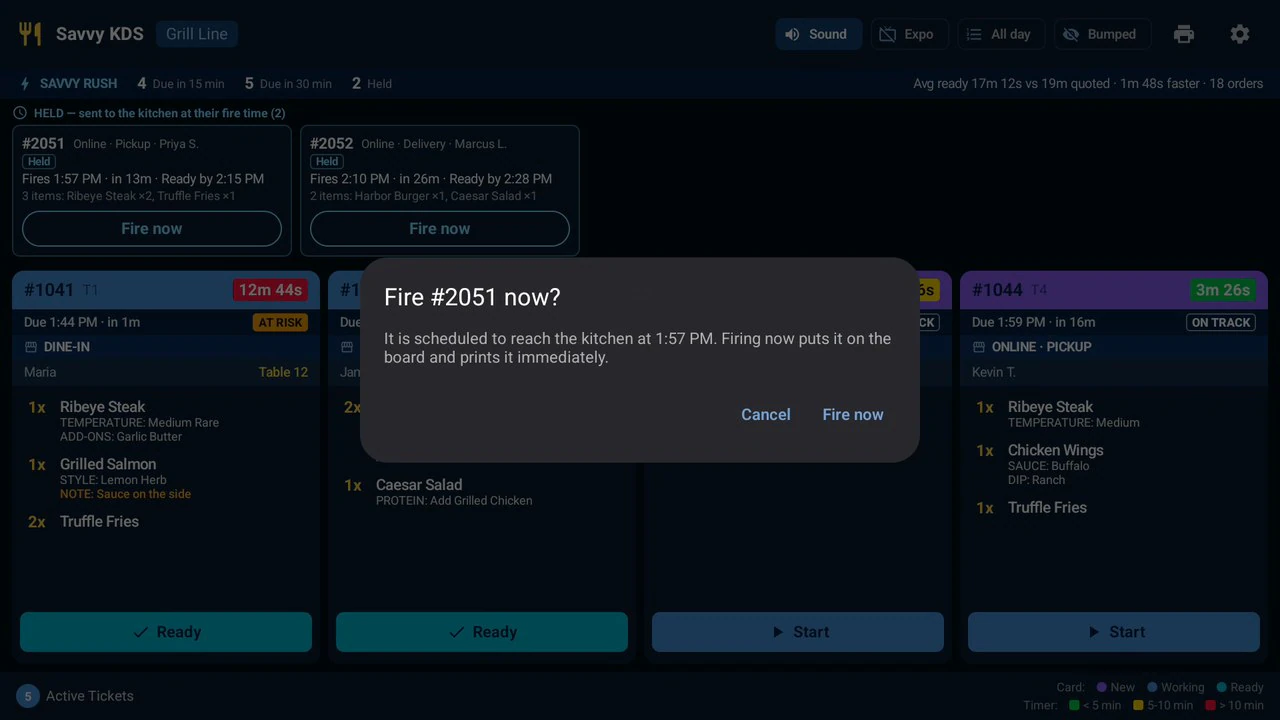
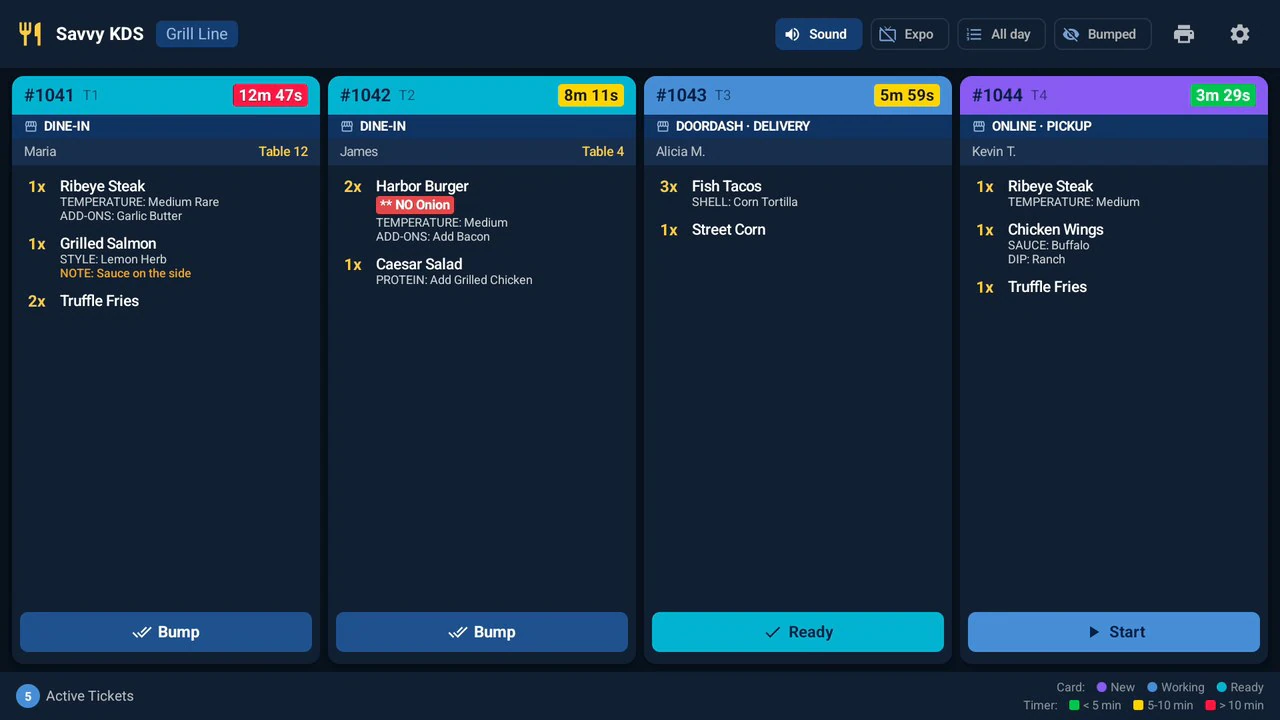
Orders go to the kitchen or the receipt prints.
Questions
Common questions.
Which plan includes kiosks and self-checkout?
Savvy Elite for Point of Sale.
Can the kiosk take cards?
Yes, when a card terminal is connected. Otherwise customers pay at the counter.
Goes well with
Get more from Kiosk and self-checkout.
Earn. Reward. Repeat.
See it run your business.
A Swipe Savvy specialist walks you through it on your own menu, schedule or memberships.