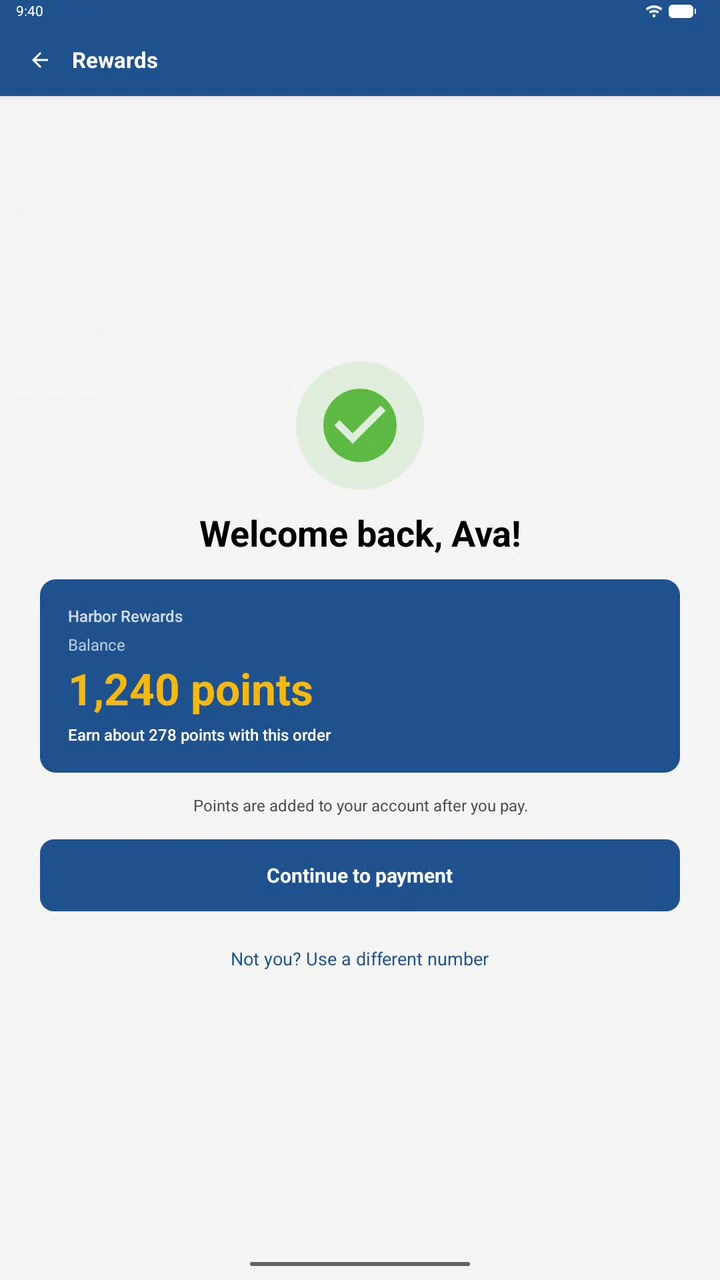
Earn. Reward. Repeat.
Additional locations on one plan, one view from head office
Add locations under one account. Your plan is one monthly price; each location after the first adds the Additional Location fee.
The problem
Growing businesses need every location under one login without a new contract each time they open a door.
What it does
Additional Location, built into your system.
Billed as you open
The charge is added when a second location opens and always equals the number of active locations after the first.
Head-office view
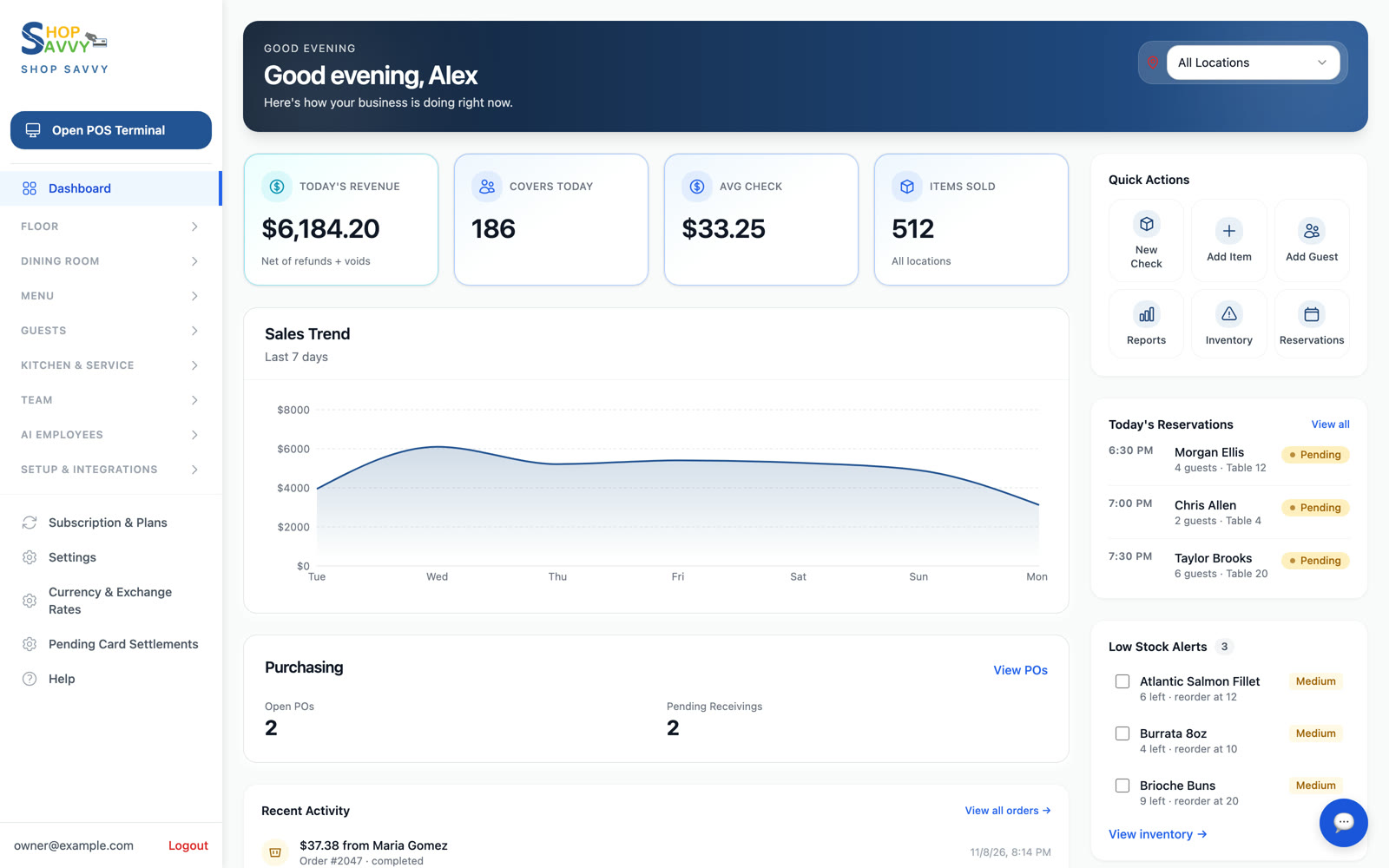
Brand owners see their linked locations and a cross-location sales rollup.
Look in on a location
Head office can open a short-lived, read-only session for a linked location where allowed.
Compare and group locations
Location comparison and location group pages sit in the merchant portal.
How it works
Three steps.
Add a new location in your account.
The location count on your bill updates by itself.
Close a location and the count drops.
Questions
Before you turn it on.
Do I have to buy this?
It is not optional: it is how each location after the first is billed.
What does a second location cost?
On every plan (Savvy POS, Savvy Health and Savvy Life) your plan's monthly price stays the same, and the Additional Location fee is added for each location after the first, up to your plan's location limit. Both are on the Pricing page.
Is my first location charged?
Your first location is covered by your plan's monthly price. The Additional Location fee applies to each location after the first.
Goes well with
Get more from Additional Location.
Earn. Reward. Repeat.
See it run your business.
A Swipe Savvy specialist walks you through it on your own menu, schedule or memberships.