Earn. Reward. Repeat.
Gift cards by text and email, Apple Wallet and Google Wallet
Sell, reload and redeem gift cards at the register and online, with Apple Wallet passes and e-gifts sent by text or email.
The problem
Plastic-only gift cards miss online buyers, and balances from an old system get stranded.
What it does
Gift cards, part of Savvy POS.
Sell, reload, redeem
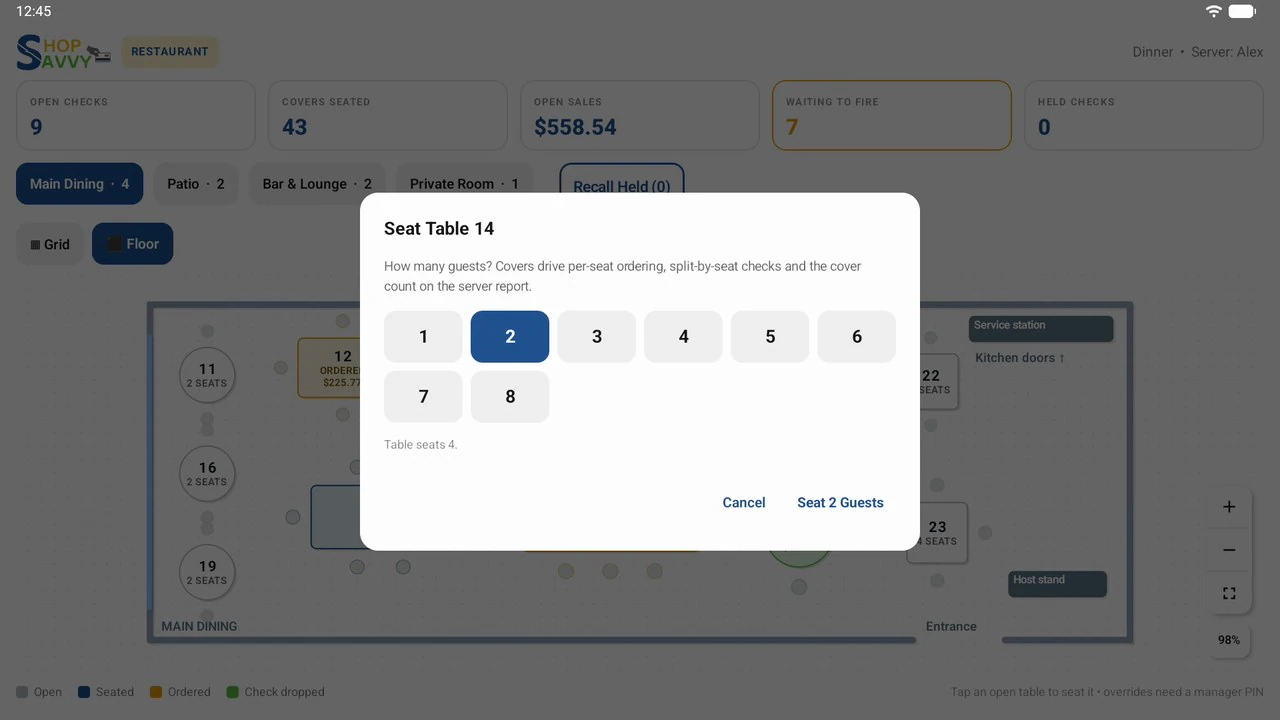
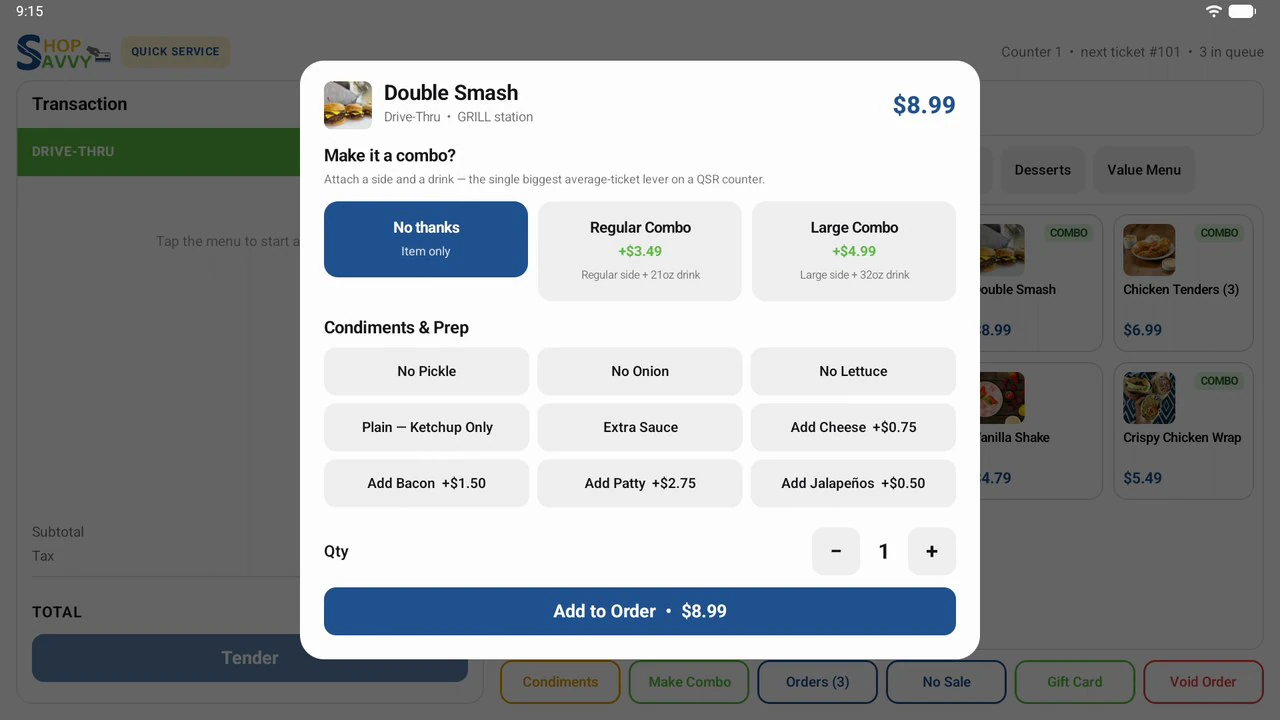
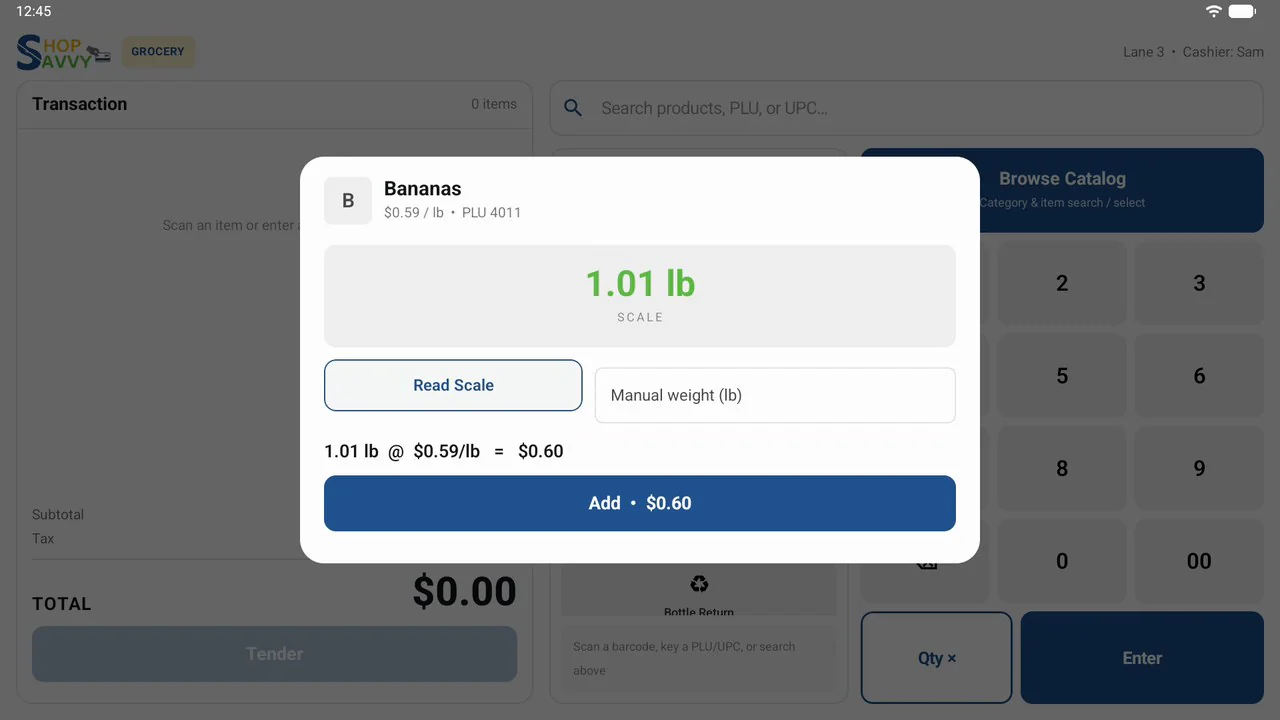
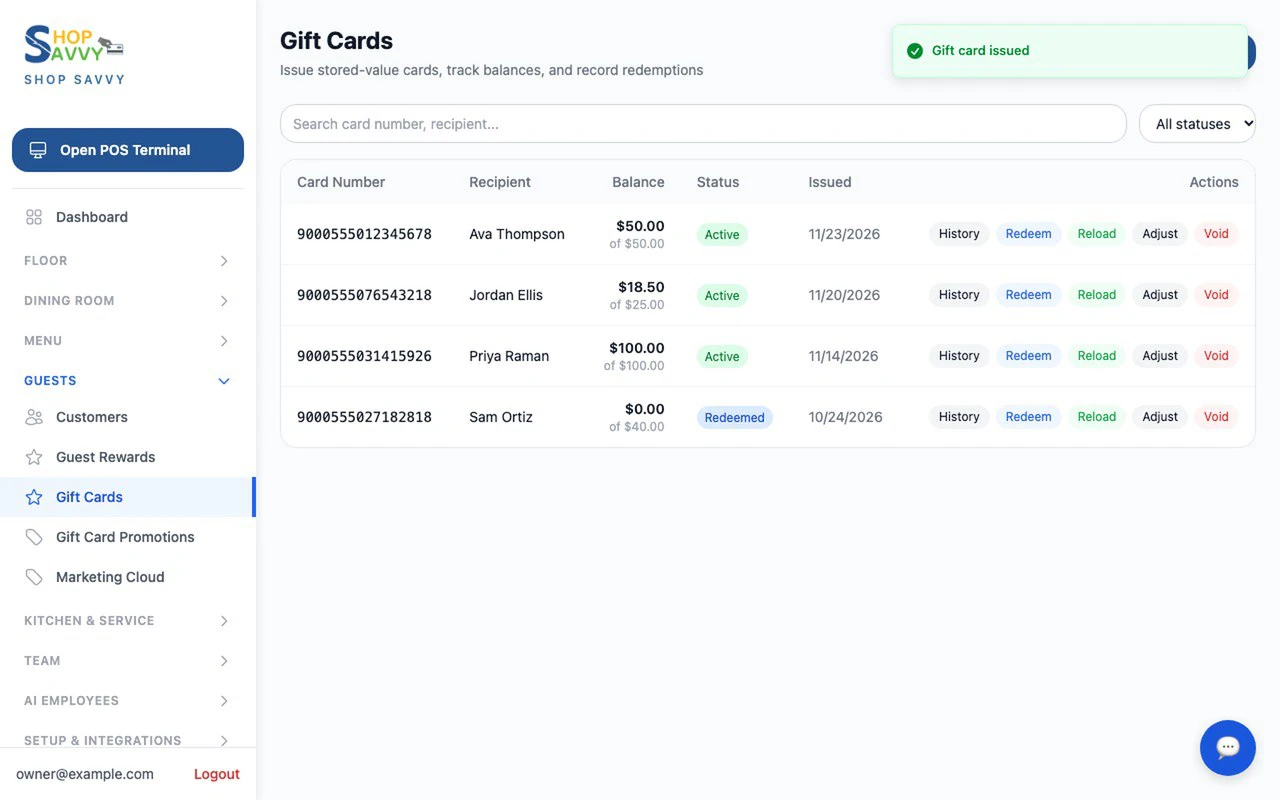
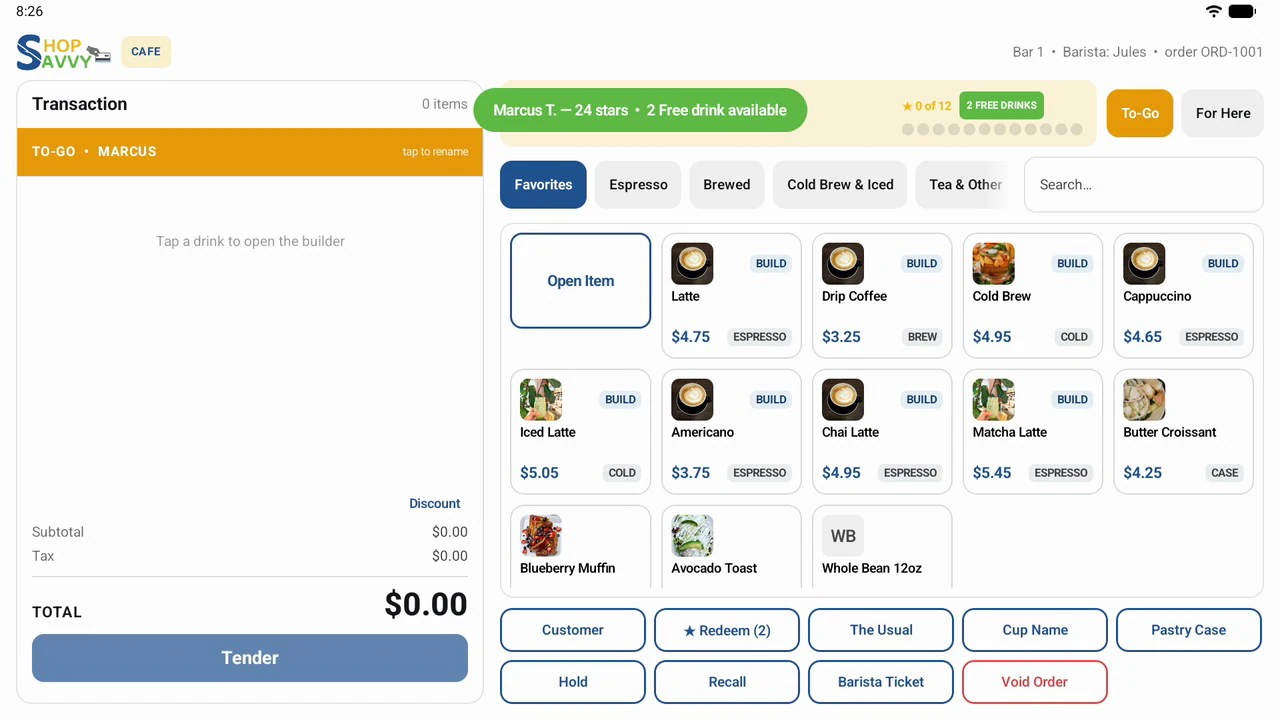
Issue, reload, redeem, refund and reissue cards at the register, and split a payment with a gift card.
Online e-gifts
Customers buy an e-gift online for a recipient, who gets the card number and a claim link by text and email.
Bonus promotions
Run bonus offers, such as a bonus card with a qualifying purchase, at the register and online.
Move balances over
Import balances by CSV and keep old card numbers working through aliases.
Apple Wallet and Google Wallet
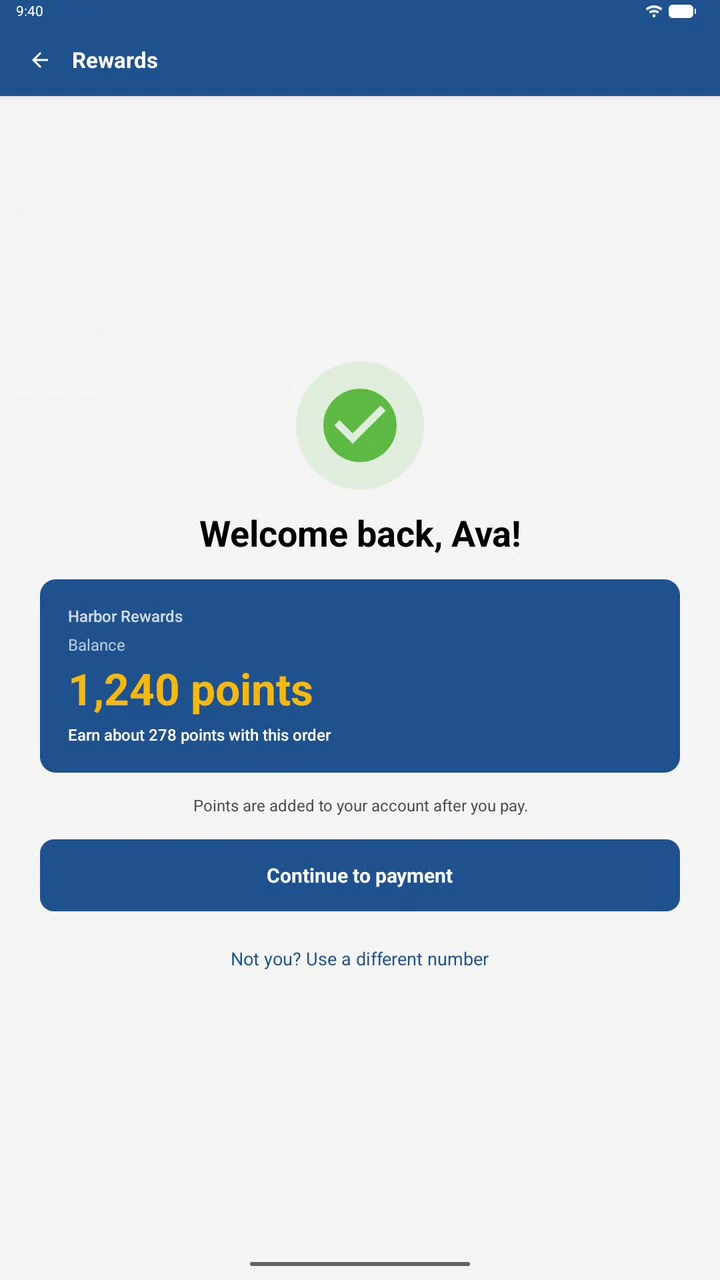
Guests save the card to Apple Wallet or Google Wallet from the link they get by text or email, so it is ready at the counter.
Physical and digital cards
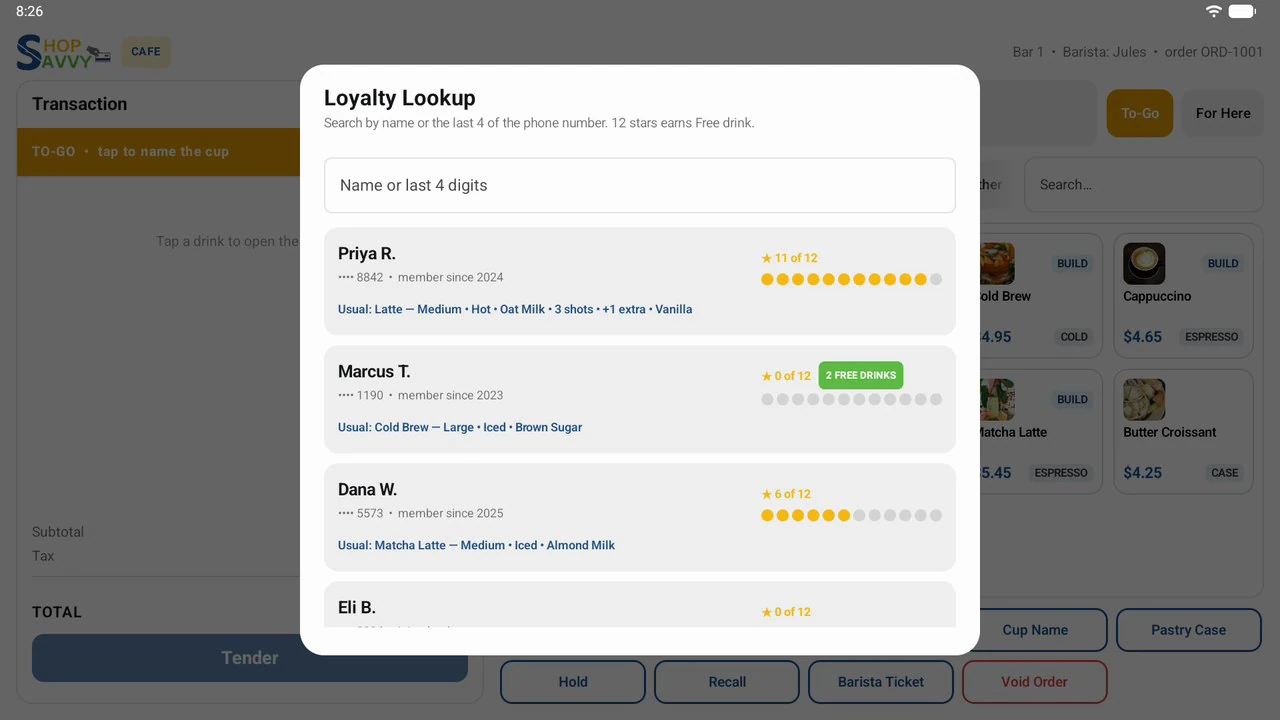
Sell physical and digital gift cards; customers check the balance and pay with them at the counter.
How it works
Three steps.
Set up your card design and any bonus offer.
Sell cards at the register or share your online gift card page.
Customers redeem by card number, scan or wallet pass.
Questions
Common questions.
Can customers buy gift cards online?
Yes, from your gift card page, including as a gift for someone else.
Can I bring cards from my old system?
Yes. Balances can be imported and old card numbers keep working.
Goes well with
Get more from Gift cards.
Earn. Reward. Repeat.
See it run your business.
A Swipe Savvy specialist walks you through it on your own menu, schedule or memberships.