Earn. Reward. Repeat.
Patient scheduling and charting in one system
Book visits, check patients in, collect copays and chart the encounter in one place.
Designed around HIPAA safeguards · we sign a BAA
The problem
Practices run the schedule, the chart and the front desk in separate systems and retype the same patient details.
What it does
Scheduling and charting, part of Savvy Health.
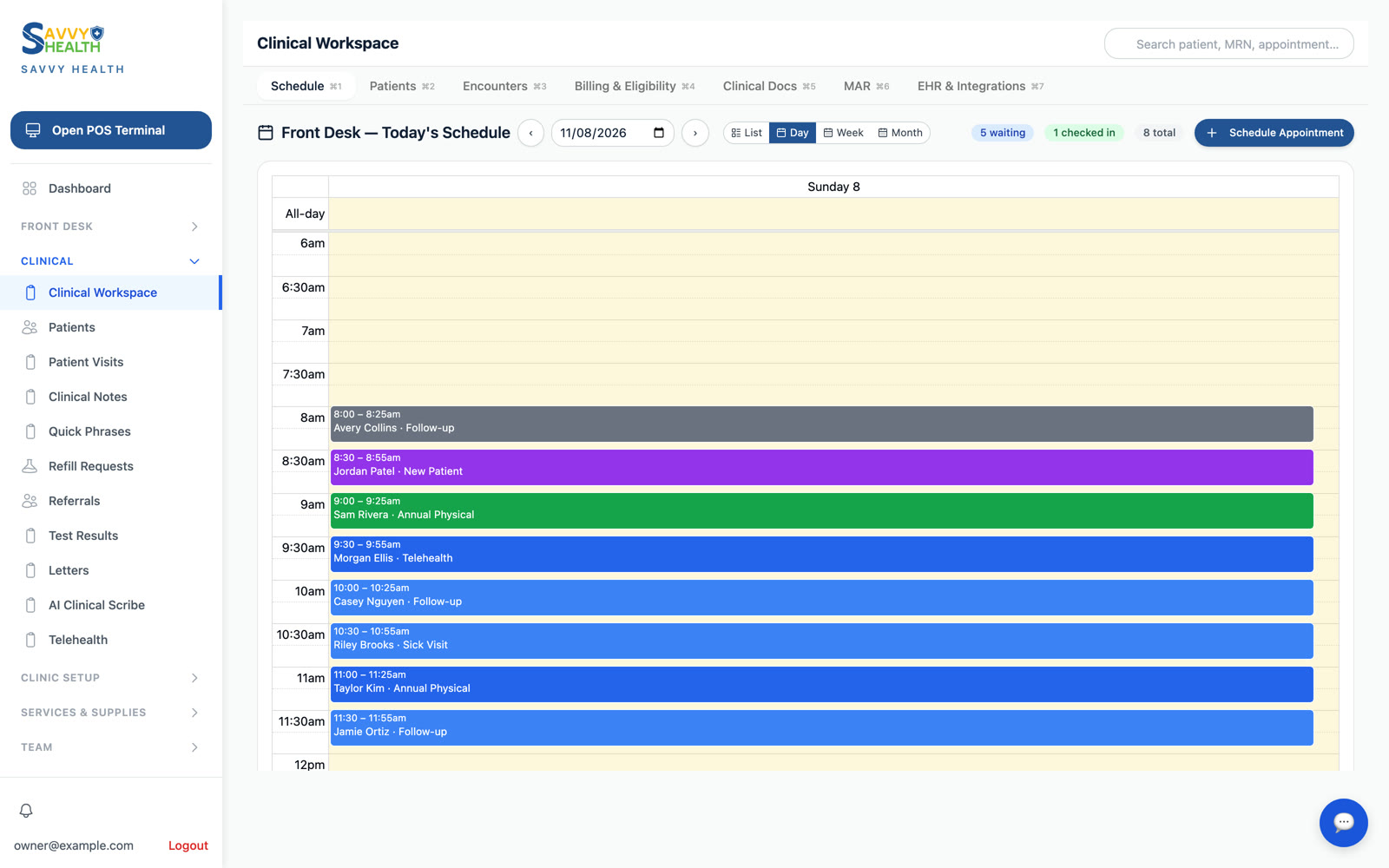
Schedule and appointment types
Your own appointment types, confirm, check-in, start, complete, no-show and reschedule.
Front desk check-in and copay
Check a patient in and collect the copay at the desk.
Reminders patients answer
Reminders let patients reply to confirm or cancel.
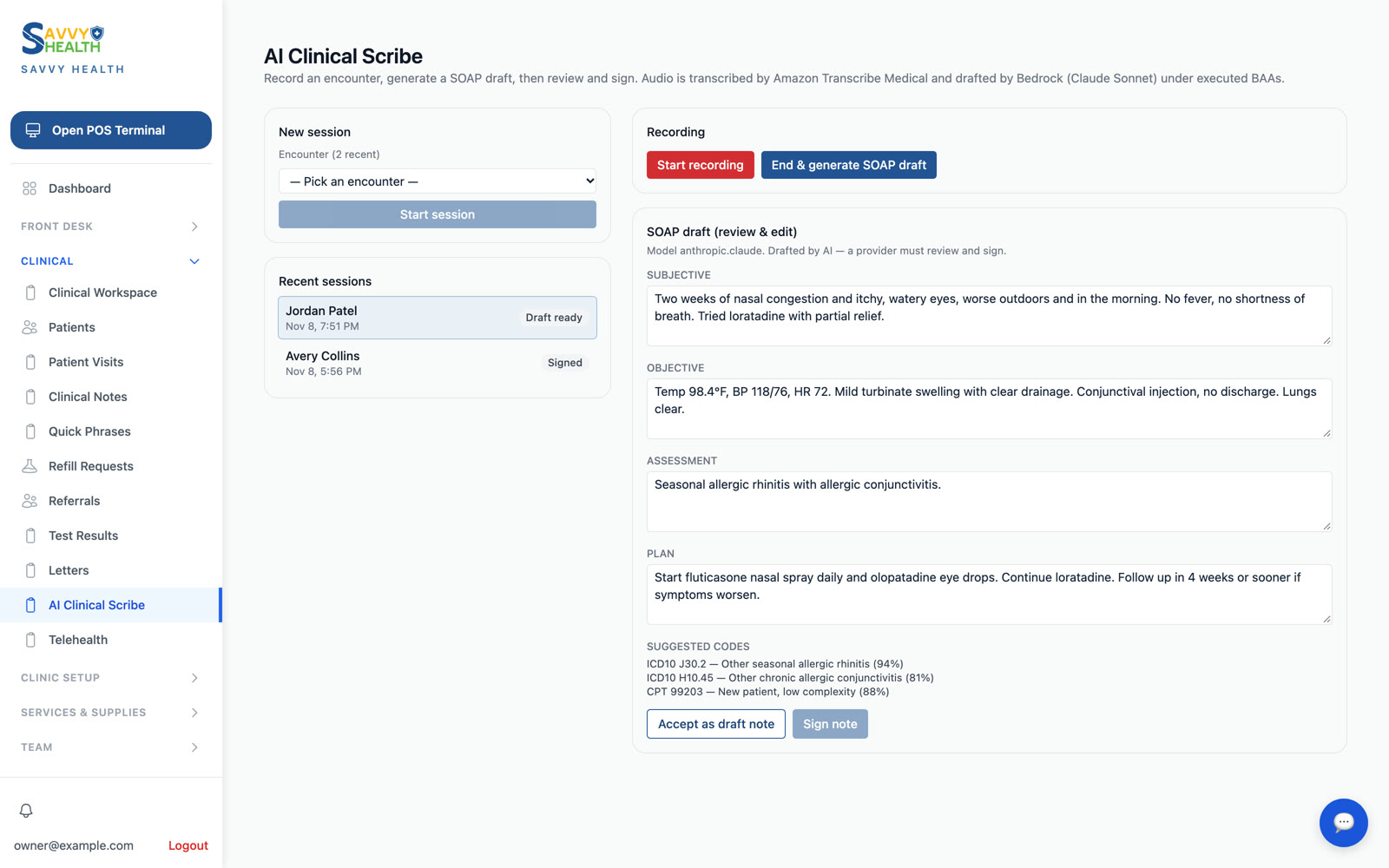
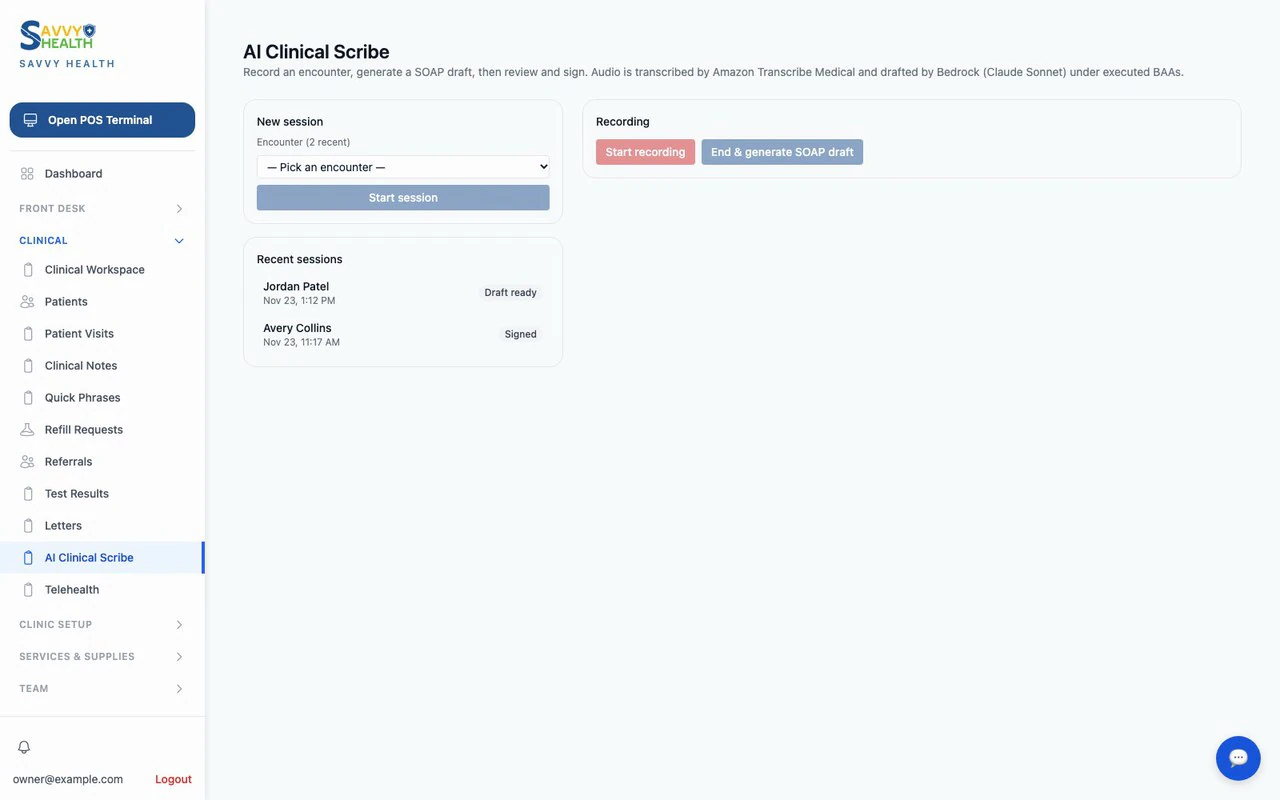
Charting with templates
Encounters, note templates, chart notes and quick phrases with blanks that must be filled before signing.
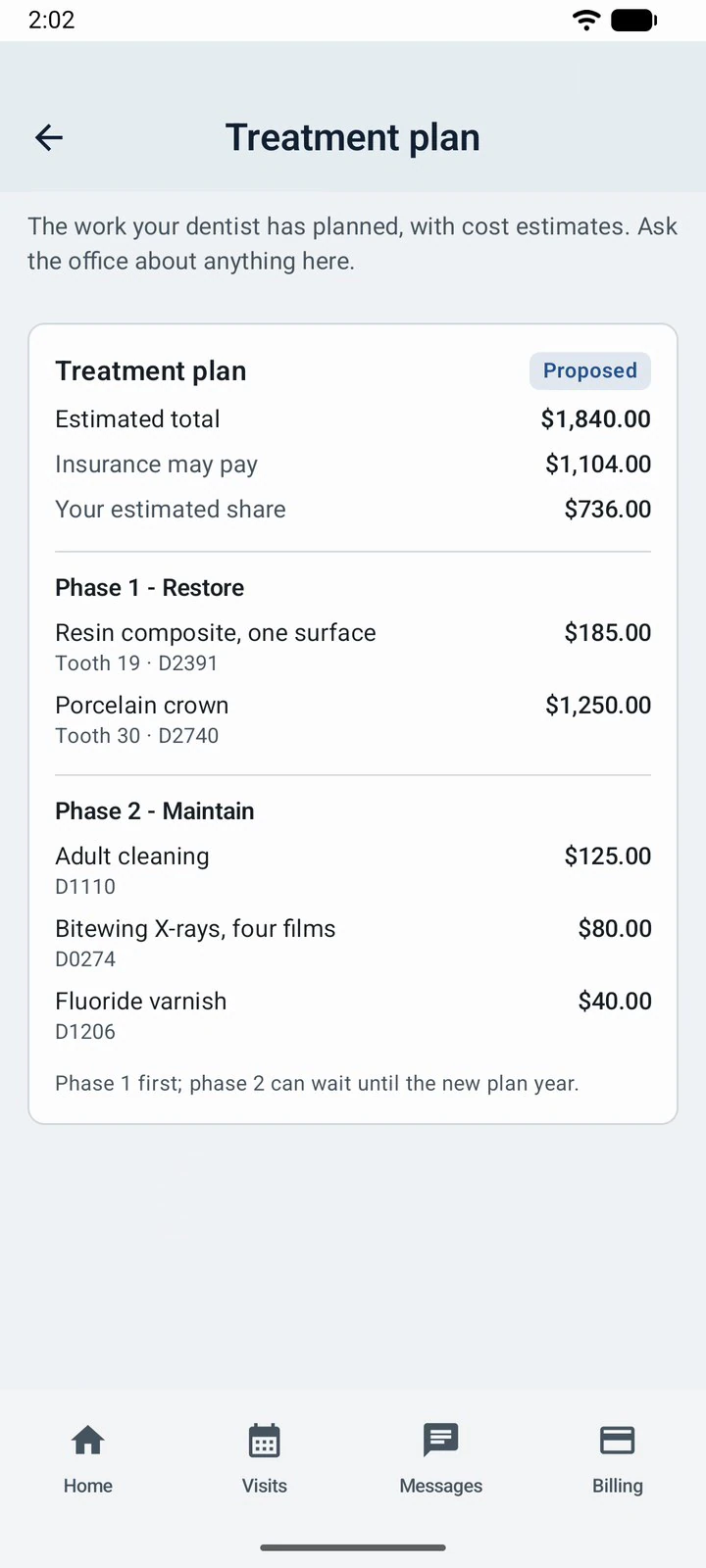
Treatment plans
Care plans with goals, reviews, versions and a care team.
Calendar sync
Providers can sync their schedule with Google or Microsoft calendars.
How it works
Three steps.
Set up providers, appointment types and hours.
Book, remind and check patients in.
Chart the visit and sign the note.
Questions
Common questions.
Can patients book themselves?
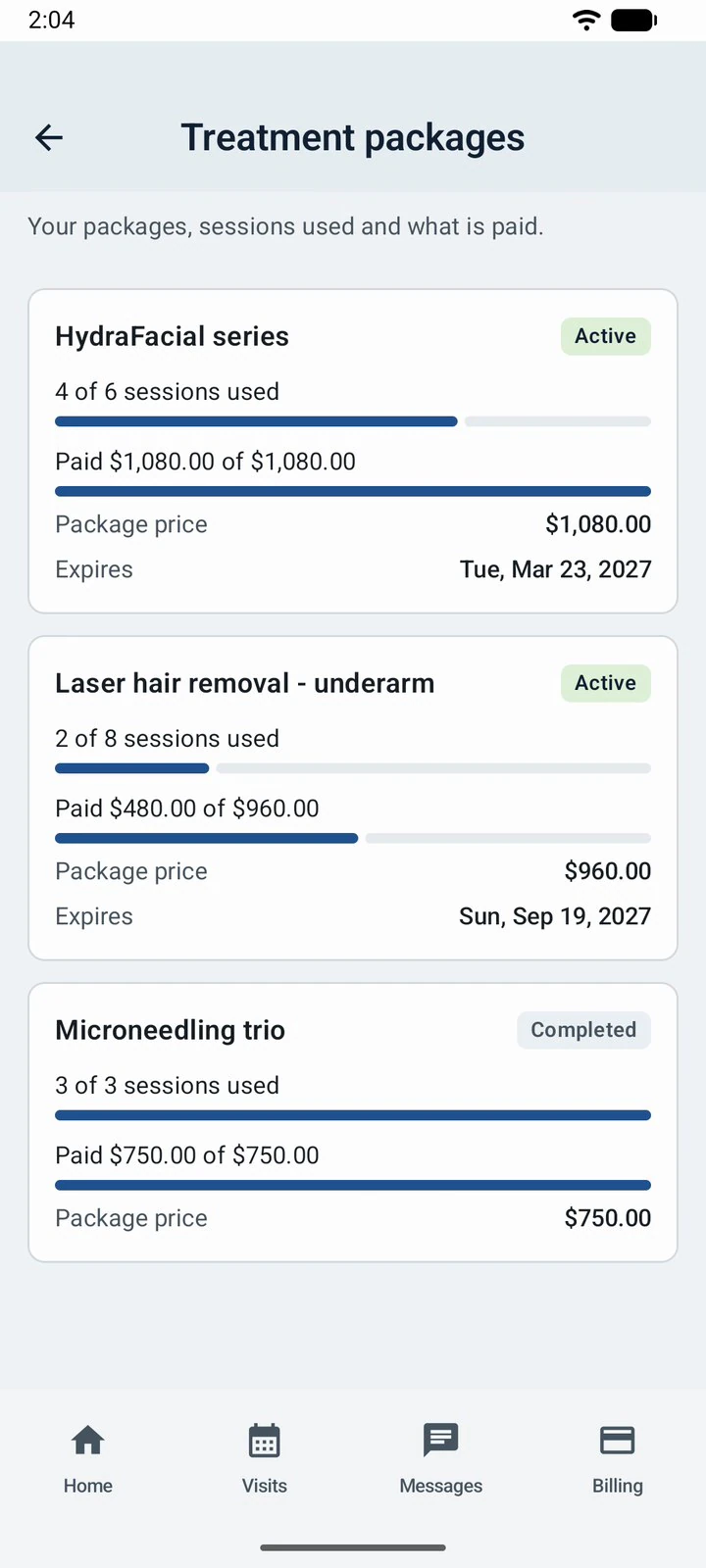
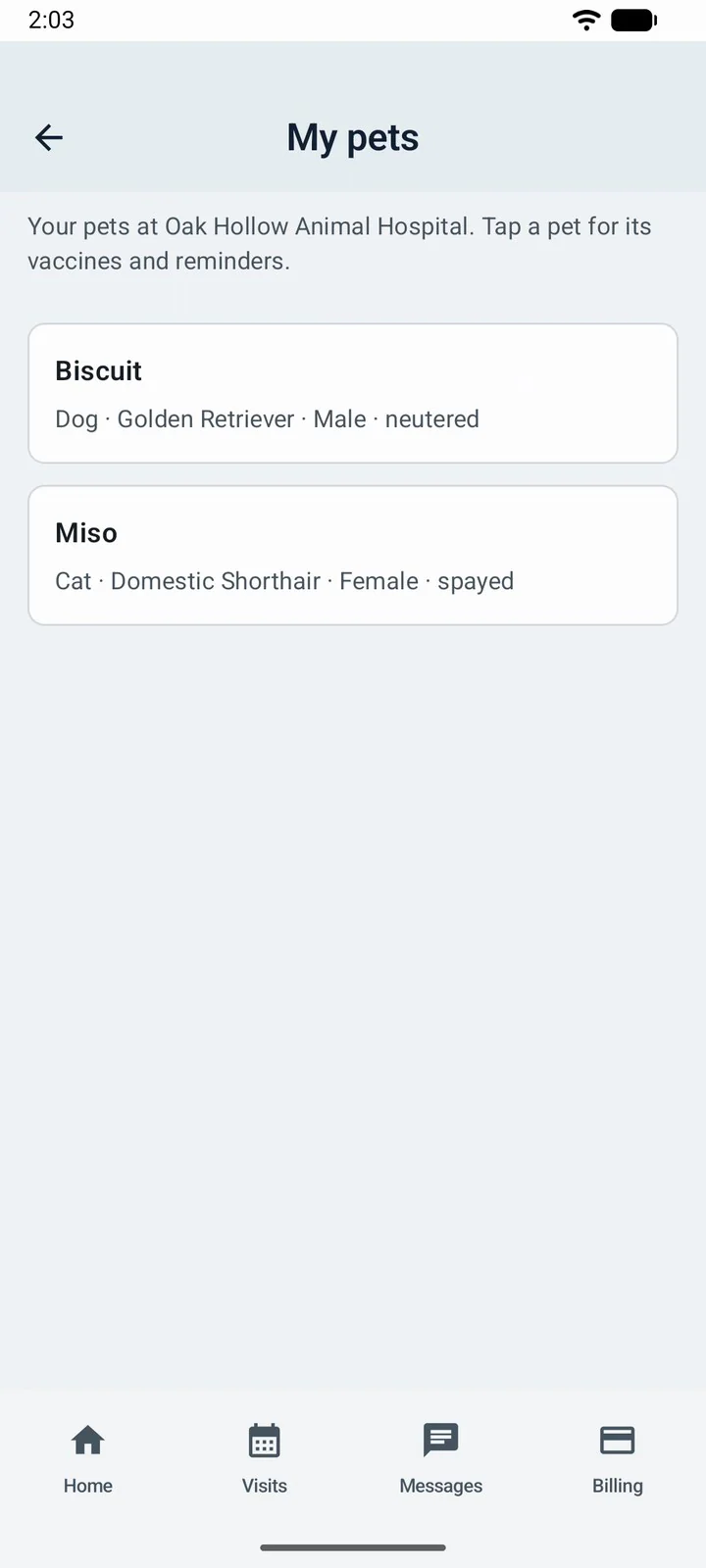
Yes, from the patient app.
Does it handle walk-ins?
Yes, there is a walk-in queue.
Goes well with
Get more from Scheduling and charting.
Earn. Reward. Repeat.
See it run your business.
A Swipe Savvy specialist walks you through it on your own menu, schedule or memberships.
Designed around HIPAA safeguards · we sign a BAA