Earn. Reward. Repeat.
Patient payment software that posts every payment to the visit
Collect copays at the desk, text statements with a pay link, send reminders and set up payment plans.
Designed around HIPAA safeguards · we sign a BAA
The problem
Patient balances age while statements sit in the mail and staff chase payments by phone.
What it does
Patient payments, part of Savvy Health.
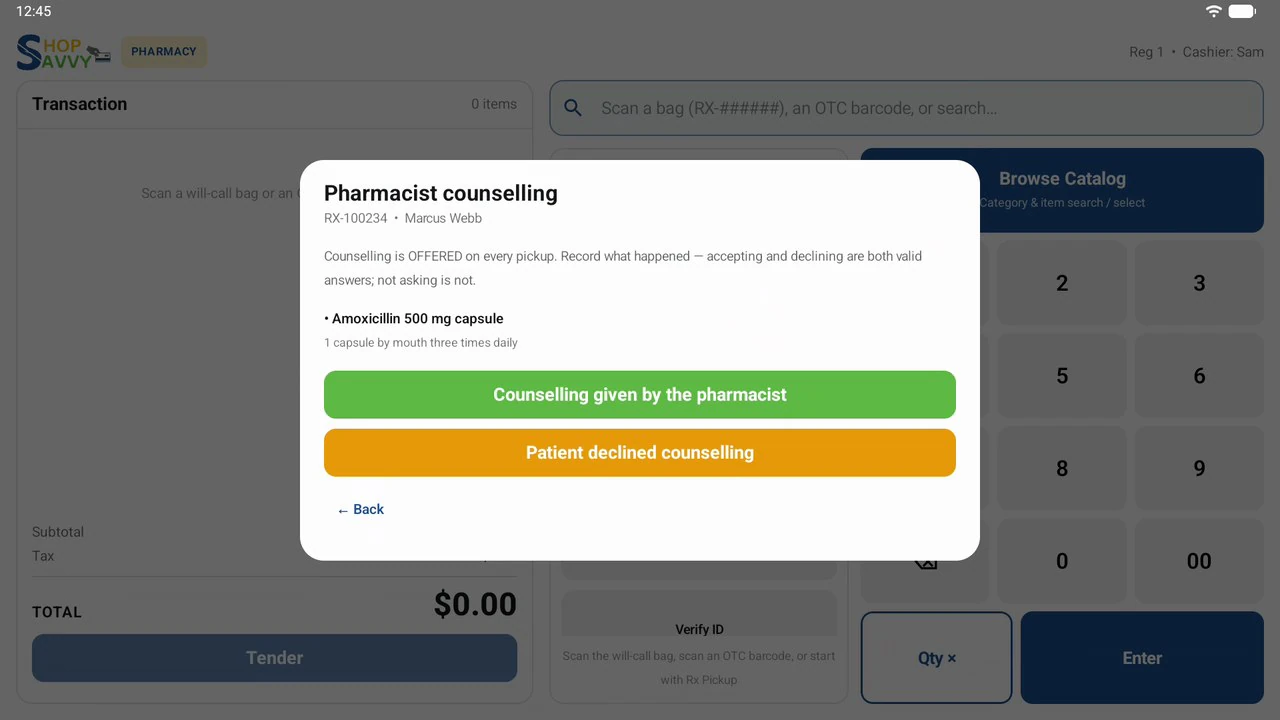
Copay at check-in
Collect the copay when the patient checks in, on the practice's terminal.
Statement pay links
Send a statement with a one-click payment link by text.
Reminders on several channels
Send balance reminders by in-app, push, text and email, each reported separately.
Payment plans
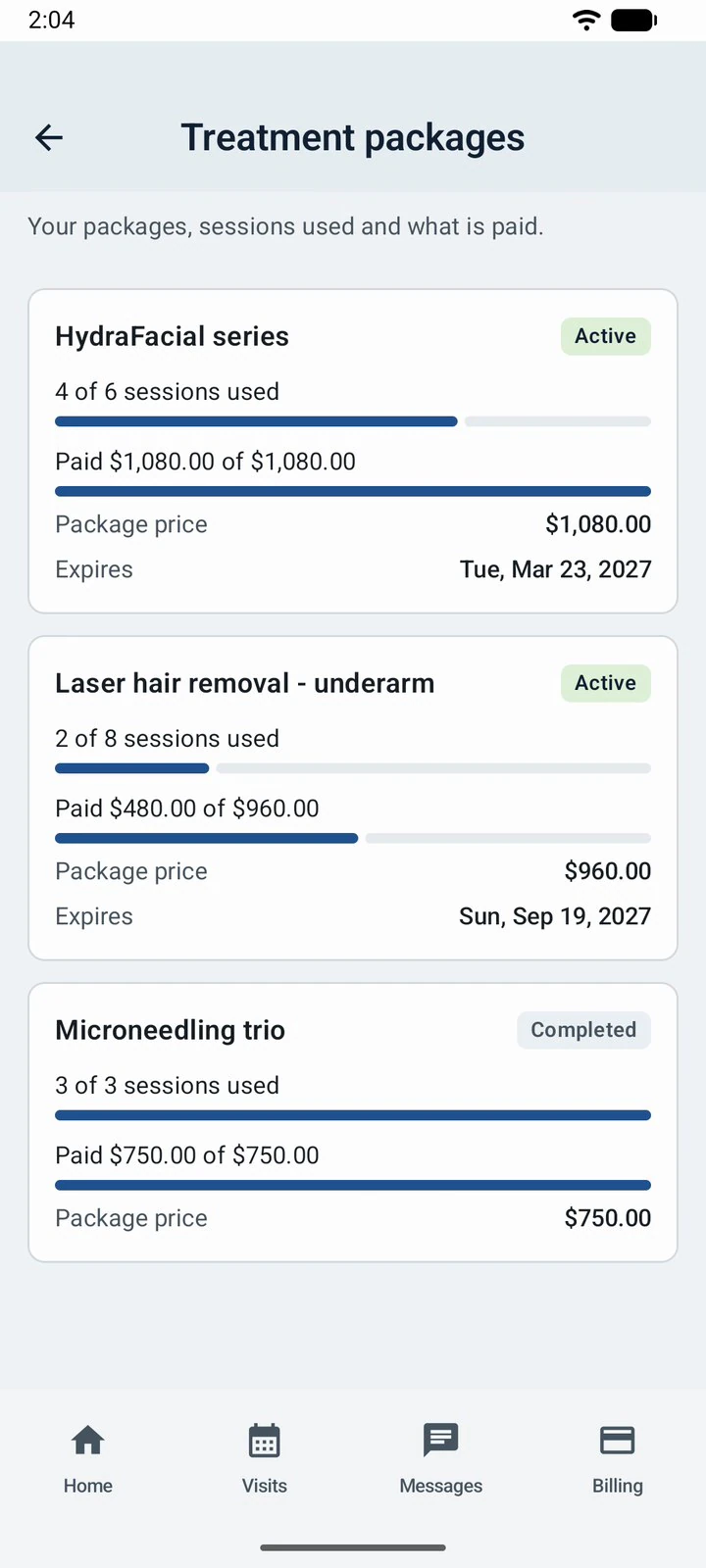
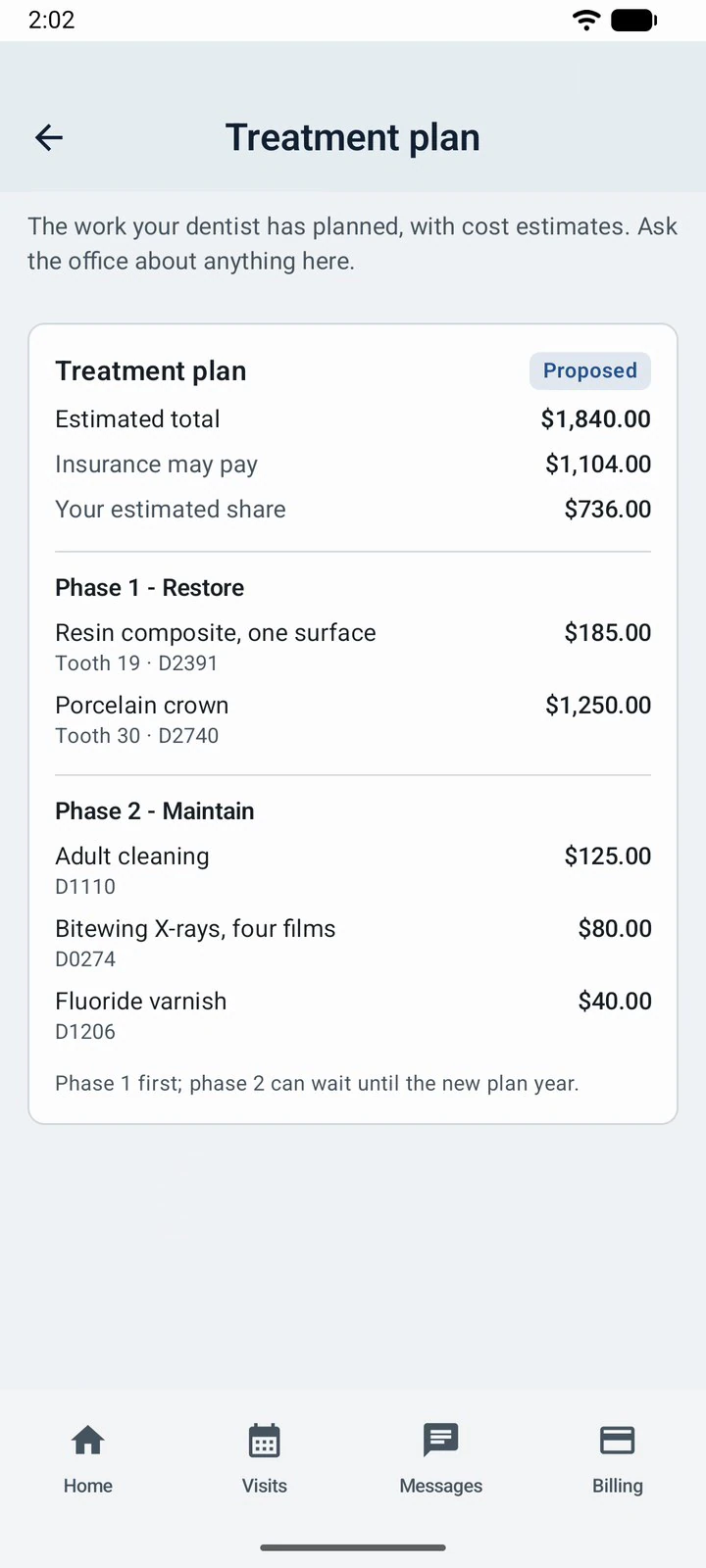
Set up monthly payment plans from templates and track each installment and hardship requests.
Superbill sharing
Download, print, email or text a visit superbill to the patient.
How it works
Three steps.
Collect at check-in or after the visit.
Text or email statements with a pay link.
Track overdue balances and plans.
Questions
Common questions.
Can patients pay from their phone?
Yes, from the statement link or the patient app.
Do payment plans charge automatically?
Installments are tracked and reminders sent; ask us about automatic charging.
Goes well with
Get more from Patient payments.
Earn. Reward. Repeat.
See it run your business.
A Swipe Savvy specialist walks you through it on your own menu, schedule or memberships.
Designed around HIPAA safeguards · we sign a BAA